Write the question before the prompt.
Our fictional file has nine rows, one row per order. We want: How many paid October 2026 orders are in each category, and what is their total amount? Here “paid” is an exact status label and “amount” is the full order amount in one currency. It is an exercise definition, not a revenue-recognition policy.
The CSV deliberately includes a September order, a November order, a cancellation and a pending order. There are no missing amounts, duplicates, refunds, partial payments or mixed currencies. Those assumptions must be revisited for a real export.
order_id,order_date,category,status,amount
1001,2026-09-30,Studio,paid,900.00
1002,2026-10-01,Studio,paid,120.00
1003,2026-10-02,Studio,cancelled,500.00
1004,2026-10-03,Workshop,paid,80.00
1005,2026-10-04,Studio,paid,180.00
1006,2026-10-05,Workshop,paid,220.00
1007,2026-10-06,Workshop,pending,400.00
1008,2026-10-07,Studio,paid,300.00
1009,2026-11-01,Workshop,paid,700.00
Professionals can adapt the pattern to a reviewed export; hobbyists can use it for a project log. Skeptics can inspect every row without trusting a chatbot’s arithmetic.
Give AI the rules, then inspect the draft.
If you use an approved AI tool, give it column names, types and the exact question. This proposed prompt contains no customer rows. Schema and business rules can themselves be sensitive, so use fictional or approved details. You can also skip AI and use the authored query below.
Proposed AI prompt: authored for this guide, not executed or evaluated.

Draft DuckDB SQL for an already-loaded view named orders.
Schema only (no real customer rows):
order_id INTEGER; order_date DATE; category VARCHAR;
status VARCHAR; amount DECIMAL(12,2).

Each row is one order. Amount is the full order amount in one currency.
Allowed statuses in this exercise: paid, cancelled, pending.
Question: for paid orders dated October 1 through October 31, 2026,
return category, COUNT(*) AS paid_rows, SUM(amount) AS paid_total.
Use an inclusive start and exclusive November 1 end; sort by category.
No joins, file access, network calls, extensions, writes, or execution.
Return one SELECT over orders, explain every filter, and name assumptions
about missing values, duplicates, currency, refunds and order grain.
If those assumptions are unknown, ask instead of inventing them.

A human will inspect the draft and check a fictional example before use.
These instructions are not a security boundary or an execution sandbox.
We did not run this prompt or test a model’s SQL. The query below was authored for this guide. Compare any AI draft against the filters and assumptions; do not wire a chatbot directly to the runner.
DuckDB’s security documentation treats untrusted SQL as executable code with access to the running user’s capabilities. A query can invoke file, network or extension features. Local execution and a Python virtual environment do not provide a sandbox. This exercise runs only the two supplied, reviewed queries against fictional data.
Download, inspect, then run the fixed exercise.
Prerequisite: Python installed and available as python in Windows PowerShell. Download the practice ZIP, extract it into a new folder, and inspect its CSV, script and SQL. These commands do the download and inspection:
# Run in a NEW empty practice folder. Download; do not execute yet.
Invoke-WebRequest 'https://jabsystems.io/ai-anonymous/Social/check-the-math-practice.zip' -OutFile '.\check-the-math-practice.zip'
Expand-Archive -LiteralPath '.\check-the-math-practice.zip' -DestinationPath '.\practice'
Set-Location '.\practice'
# Open and inspect check-the-math.py, reviewed-query.sql and missing-filter.sql.
Get-Content .\check-the-math.py
Get-Content .\reviewed-query.sql
Get-Content .\missing-filter.sql
After review, run these commands from that extracted practice folder. Our observed environment was Windows, Python 3.13.15 and DuckDB 1.5.6. The pinned PyPI release records the package version; the official Python overview documents querying local data. Installation needs network access. A virtual environment separates packages; see Python’s venv documentation.
python --version
python -m venv .venv
.\.venv\Scripts\python.exe -m pip install "duckdb==1.5.6"
.\.venv\Scripts\python.exe .\check-the-math.py
The complete check-the-math.py is in the ZIP. It opens an in-memory DuckDB connection, registers the CSV as orders, executes the two supplied SQL files, prints JSON, checks the result independently with Python’s CSV reader and Decimal arithmetic, and checks that the CSV bytes remain unchanged. It makes no AI calls.
Read the types and filters as a specification.
The runner supplies explicit CSV column types. This avoids guessing whether an amount is text or a floating-point value. The CSV reader documentation describes the columns setting; our fixture uses DATE and DECIMAL(12,2). This is the exact loading code used in the supplied runner:
con = duckdb.connect(":memory:")
con.read_csv(str(source), header=True, columns={
    "order_id": "INTEGER", "order_date": "DATE", "category": "VARCHAR",
    "status": "VARCHAR", "amount": "DECIMAL(12,2)"
}).create_view("orders")
Then inspect the reviewed query. The WHERE clause chooses the rows; COUNT and SUM calculate the category result. The exclusive November 1 boundary leaves November out.
SELECT category, COUNT(*) AS paid_rows, SUM(amount) AS paid_total
FROM orders
WHERE status = 'paid'
  AND order_date >= DATE '2026-10-01'
  AND order_date < DATE '2026-11-01'
GROUP BY category
ORDER BY category;
Check the meaning before the syntax: paid only, October only, one category per result row, count of orders, sum of order amounts. A different row grain or a join can change what is counted. SUM skips null amounts; this fixture has none, so do not assume this exercise validates missing-value handling.
Verify the answer without asking AI again.
These are the actual results from our local run of the authored fixture:
| Category | Paid rows | Paid total |
|---|---|---|
| Studio | 3 | 600.00 |
| Workshop | 2 | 300.00 |
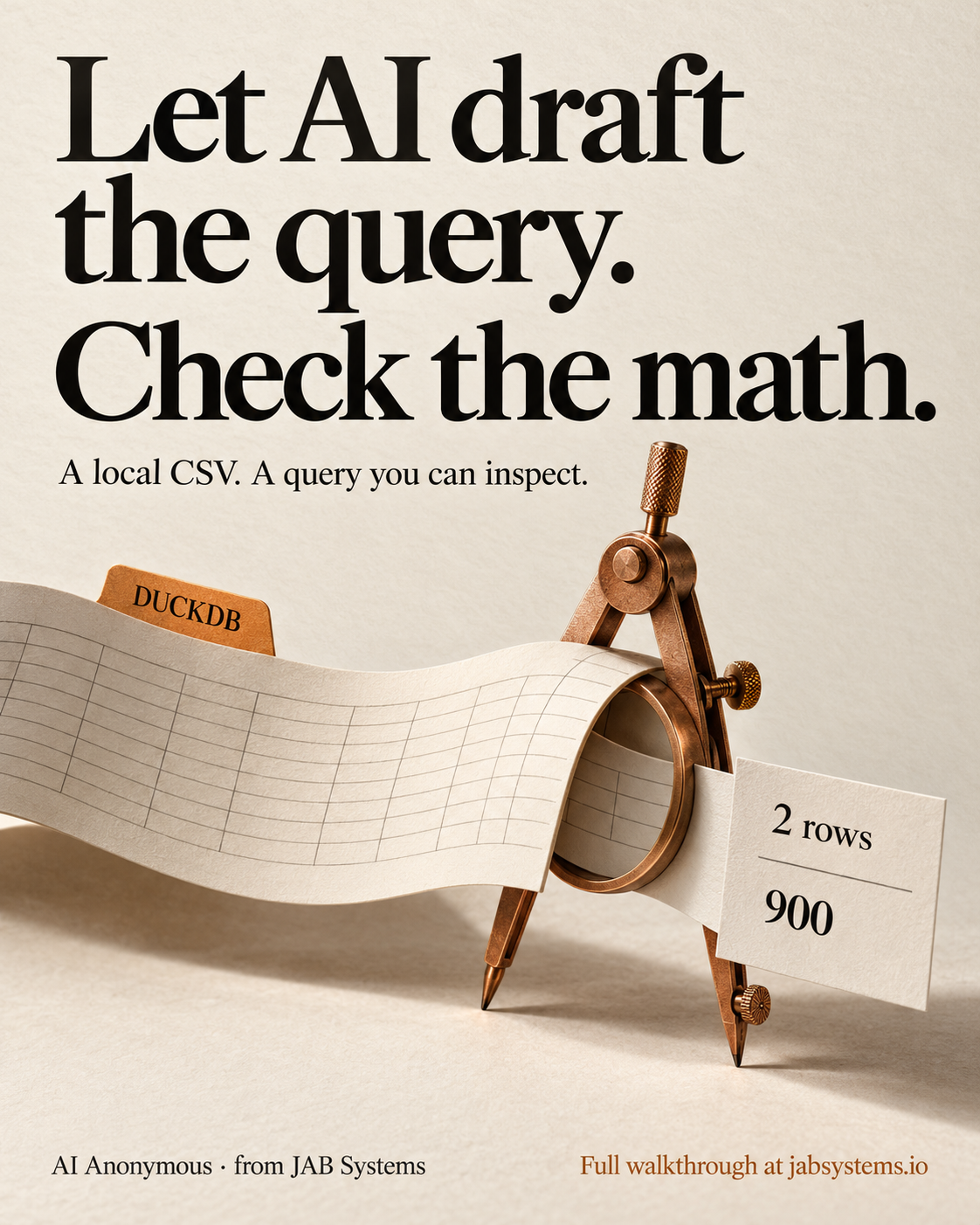
By hand: Studio is 120 + 180 + 300 = 600; Workshop is 80 + 220 = 300. Five included orders become two grouped result rows, totaling 900. The poster’s “2 rows” refers to those two result rows.
Our deliberately wrong query omits status = 'paid'. It returns Studio: 4 rows / 1,100.00 and Workshop: 3 rows / 700.00, totaling 1,800. It includes the cancelled 500 and pending 400. This is an authored counterexample, not an observed model mistake.
-- Deliberately wrong for the stated question: includes cancelled/pending rows.
SELECT category, COUNT(*) AS paid_rows, SUM(amount) AS paid_total
FROM orders
WHERE order_date >= DATE '2026-10-01'
  AND order_date < DATE '2026-11-01'
GROUP BY category
ORDER BY category;
The runner’s independent CSV/Decimal check passed, and the source CSV’s SHA-256 stayed unchanged. Keep the source, reviewed query, observed output and assumptions together. A successful execution alone cannot validate the business rule.
Know what this exercise establishes.
Tested: DuckDB 1.5.6 reading this nine-row fictional CSV with explicit types; both authored SQL queries; exact category counts and totals; independent CSV/Decimal agreement; unchanged CSV bytes. The practice ZIP includes the actual observed-results.json.
Not tested: AI SQL generation or model accuracy, real exports, large-file performance, other operating systems, permission isolation, network isolation, or a production data workflow. No time-savings or privacy guarantee follows from this example. The AI prompt is a proposed workflow, not a tested result.
For a real question, first verify row grain, status definitions, missing values, duplicates, date conventions, currencies and adjustments. Use an approved export and execution environment. If you cannot inspect a generated query, get a qualified reviewer before running it.
Keep the question with the answer.
Original portrait graphic · Social teaser · Alt text · Full article URL · Posting ZIP · Practice ZIP · Complete runner · Reviewed SQL · Missing-filter example · Fictional CSV · Observed results · Proposed AI prompt · Review checklist · Practice README
Primary sources linked throughout were reviewed October 20, 2026. This is an established DuckDB workflow, not a claim about a new AI feature. The original portrait is AI-generated conceptual artwork, visually reviewed before publication.
Manual social delivery: the posting ZIP contains the graphic, intentionally incomplete teaser, alt text and full article URL. The social content is prepared for you to post. It is not scheduled or published, and no profile-link change is claimed.