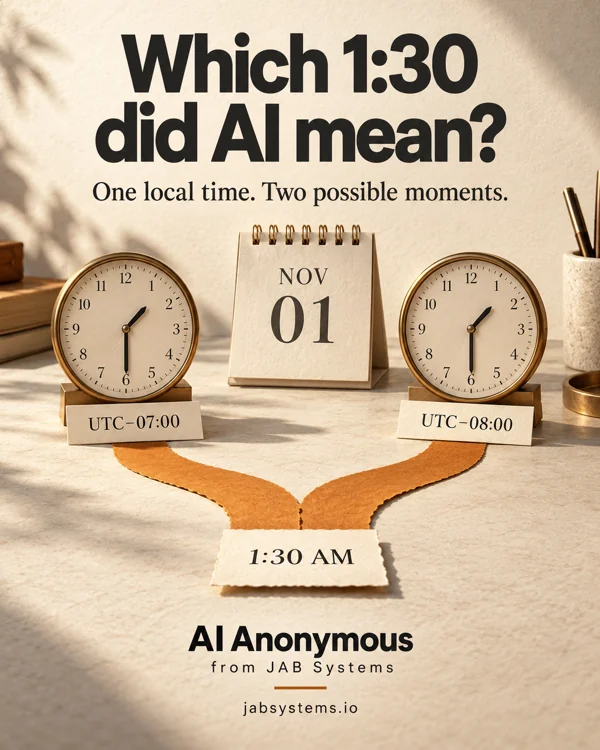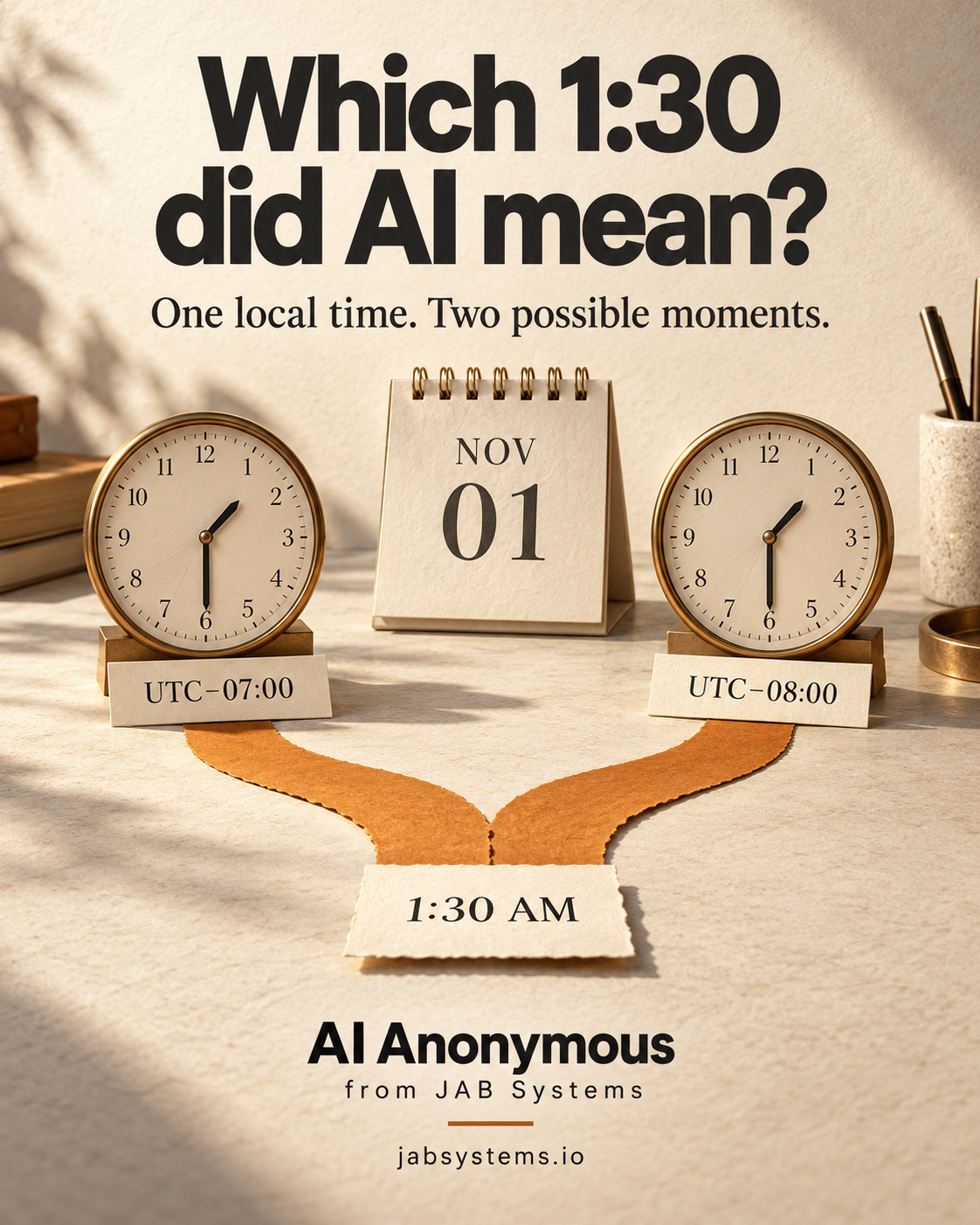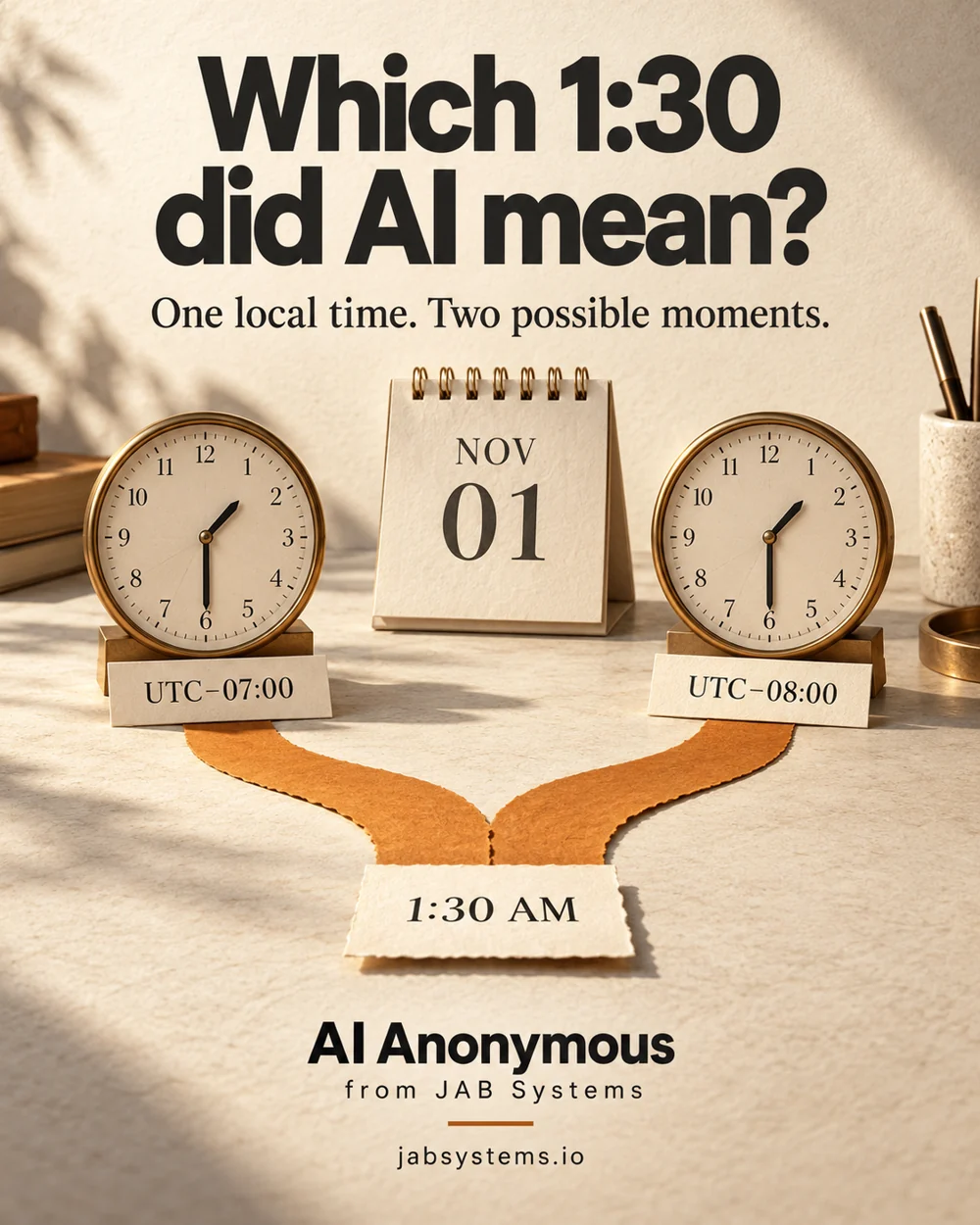
A plausible time still needs a decision.
Imagine an AI assistant turns a fictional scheduling note into “November 1, 2026, 1:30 AM, America/Los_Angeles.” Before creating an event, check whether that local time identifies one instant. In our local exercise it identifies two, one hour apart. The assistant has not chosen the organizer’s intended occurrence.
This is an established time-handling problem applied to AI-assisted scheduling. Python’s local-time disambiguation proposal describes repeated times as a fold and skipped times as a gap. An AI-generated date does not remove that ambiguity. Use AI to draft structured fields, then validate and ask a person before any event write.
For a hobby project, this makes a useful small exercise. For a workplace workflow, keep the source note and the human confirmation alongside the draft. Nothing in this guide connects to a calendar or sends an invitation.
Extract the details without filling the blanks.
Start with fictional text. Ask for the full date, local wall-clock time, named time zone, any supplied numeric offset and the intended occurrence. Leave missing details unresolved. “Tomorrow,” “Pacific” or a device’s current location should prompt a question, not a silent assumption.
The downloadable proposed extraction prompt gives this task a clear output shape. It has not been executed or evaluated. Compare any future model output with the original note; do not treat a confident completion as evidence of the organizer’s intent.
RFC 3339 describes numeric offsets for timestamps. An offset such as -07:00 helps identify a particular instant; a location-based zone such as America/Los_Angeles supplies date-dependent civil-time rules. Keep both when confirmed. One numeric offset does not define a recurring meeting’s future local-time behavior.
Inspect and run the local practice kit.
Use an existing Python installation. We ran this on Windows with Python 3.13.15 and the first-party tzdata==2026.5 package. Python’s zoneinfo documentation explains the system-data search and tzdata fallback, particularly relevant on Windows. This demo explicitly disables the system search path so its reported package supplies the data.
These PowerShell commands create a new dated folder. Choose another empty folder if it already exists:
New-Item -ItemType Directory -Path .\wall-time-practice-2026-10-25 -ErrorAction Stop
Set-Location .\wall-time-practice-2026-10-25
Invoke-WebRequest -Uri "https://jabsystems.io/ai-anonymous/Social/which-130-practice.zip" -OutFile .\practice.zip
Expand-Archive -LiteralPath .\practice.zip -DestinationPath .\practice
Get-Content .\practice\check-wall-time.py
Get-Content .\practice\wall-time-cases.json
Read the downloaded files before running them. The checker reads adjacent fictional cases and prints JSON. The next commands install only the pinned time-zone data package into a local virtual environment; installation needs network access. A virtual environment is dependency isolation, not a sandbox for downloaded code.
python --version
python -m venv .venv
.\.venv\Scripts\python.exe -m pip install tzdata==2026.5
.\.venv\Scripts\python.exe .\practice\check-wall-time.py | Set-Content -Encoding utf8 .\my-times.json
Get-Content .\my-times.json
No API key or AI service is required. The checker expects an offset-free ISO local date/time plus a named IANA zone. It is a small teaching utility, not a natural-language parser, strict RFC 3339 validator, recurrence engine or production scheduler. Unexpected fixture structure can stop execution. Exit 0 means a report was produced.
Seven authored cases, visible outcomes.
Observed locally on October 25, 2026 using the pinned data package:
- November 1, 2026, 01:30 in Los Angeles:
ambiguous. Candidates are2026-11-01T01:30:00-07:00→08:30 UTCand2026-11-01T01:30:00-08:00→09:30 UTC. - March 8, 2026, 02:30 in Los Angeles:
nonexistent, with no valid candidates. Ask for a different valid time. - October 25, 2026, 09:00 in Los Angeles:
unique, mapping to16:00 UTC. - November 1, 2026, 01:30 in Etc/UTC:
unique, the unchanged UTC control. - Example/Unknown:
unknown_zone. - February 30:
invalid_input. - An input already containing -07:00:
offset_supplied_use_wall_time_only. Deliberately outside this demo’s input contract, not an invalid timestamp claim.
Download the recorded report to compare with your run. These cases were written by us. They are not model responses, observed calendar errors or an AI accuracy benchmark.
Check the return trip.
The checker tries both fold values, converts each candidate to UTC and back, and keeps only those that return to the original wall-clock value. It deduplicates by UTC instant: ordinary times yield one candidate, a repeated time can yield two, and a skipped time yields none. Merely attaching a time zone does not establish validity.
aware = wall.replace(tzinfo=zone, fold=fold)
utc = aware.astimezone(timezone.utc)
back = utc.astimezone(zone)
if back.replace(tzinfo=None) == wall:
    key = utc.isoformat()
    candidates[key] = {"local": back.isoformat(), "utc": key}
The full script loops over both folds and sorts the retained instants. Python’s datetime reference documents the parsing and conversion operations. The script neither selects an ambiguous candidate nor silently moves a nonexistent time to a different hour.
Ask the person, then preview the event.
For the repeated-hour fixture, ask: “Do you mean the first 1:30, UTC−07:00, or the second 1:30, UTC−08:00?” Preserve the answer with the original note. For a gap, ask for a valid alternative instead of shifting the time. Even a unique candidate can be the wrong date or location if extraction was wrong.
After confirmation, preserve the local time, numeric offset, named zone and UTC instant. Use the human handoff checklist and preview participants’ actual displayed dates and times in the approved calendar before any separately authorized send. Repeating events need a separate policy for local-time intent, exceptions and rule updates.
IANA’s time-zone database changes as civil-time rules change. Record the data version and reassess future schedules when relevant rules change. A pinned package makes this exercise inspectable; it cannot freeze governments’ future decisions.
Tested: local conversion of seven authored cases, transition-boundary checks, extracted-kit reruns and the published download workflow. Not tested: AI extraction quality, model performance, calendar integrations, invitation delivery, recurrence handling, every zone/history, other operating systems or physical devices. No automated scheduling reliability or time-savings claim is made.
Take the time handoff kit.
Practice ZIP · Complete checker · Authored cases · Observed report · Proposed extraction prompt · Human review checklist · Practice README
Primary sources reviewed October 25, 2026. The portrait is original AI-generated conceptual artwork, visually reviewed. Clocks and paper paths illustrate the repeated-hour example.