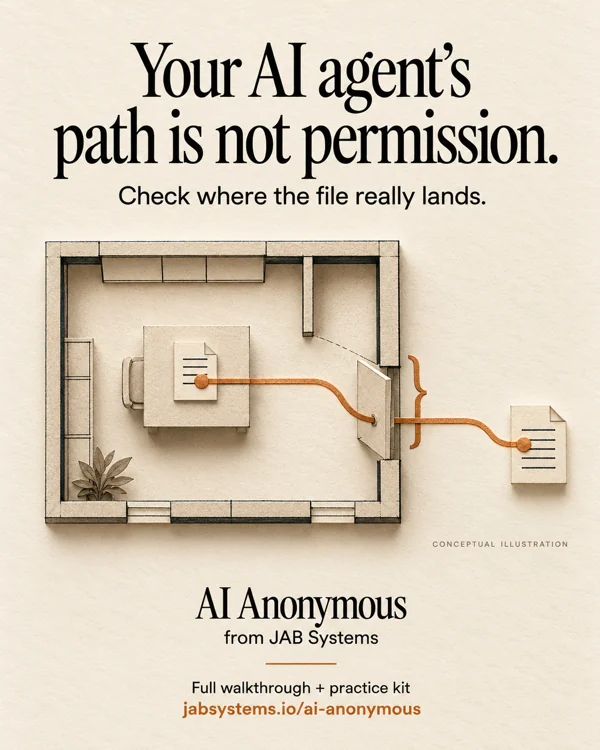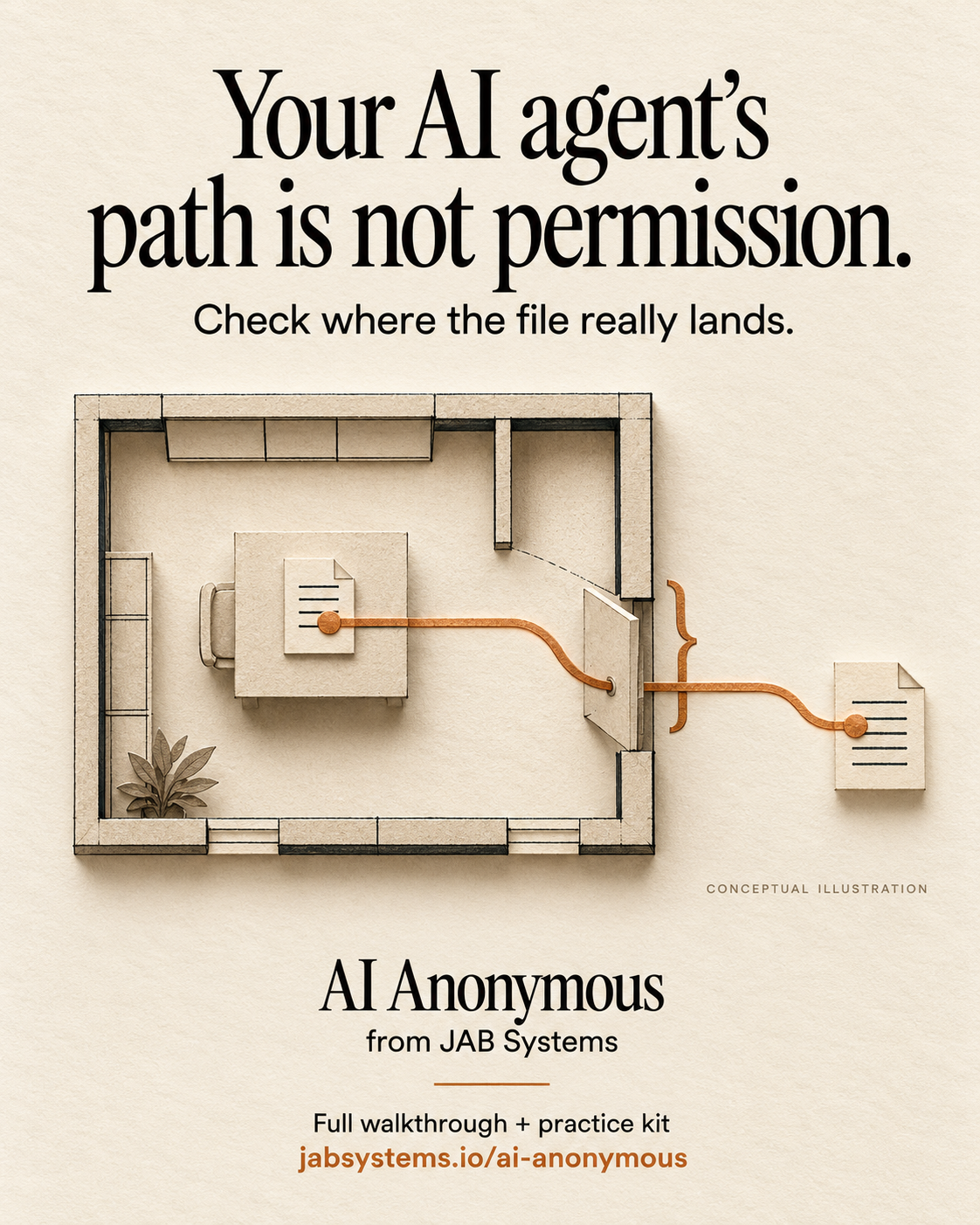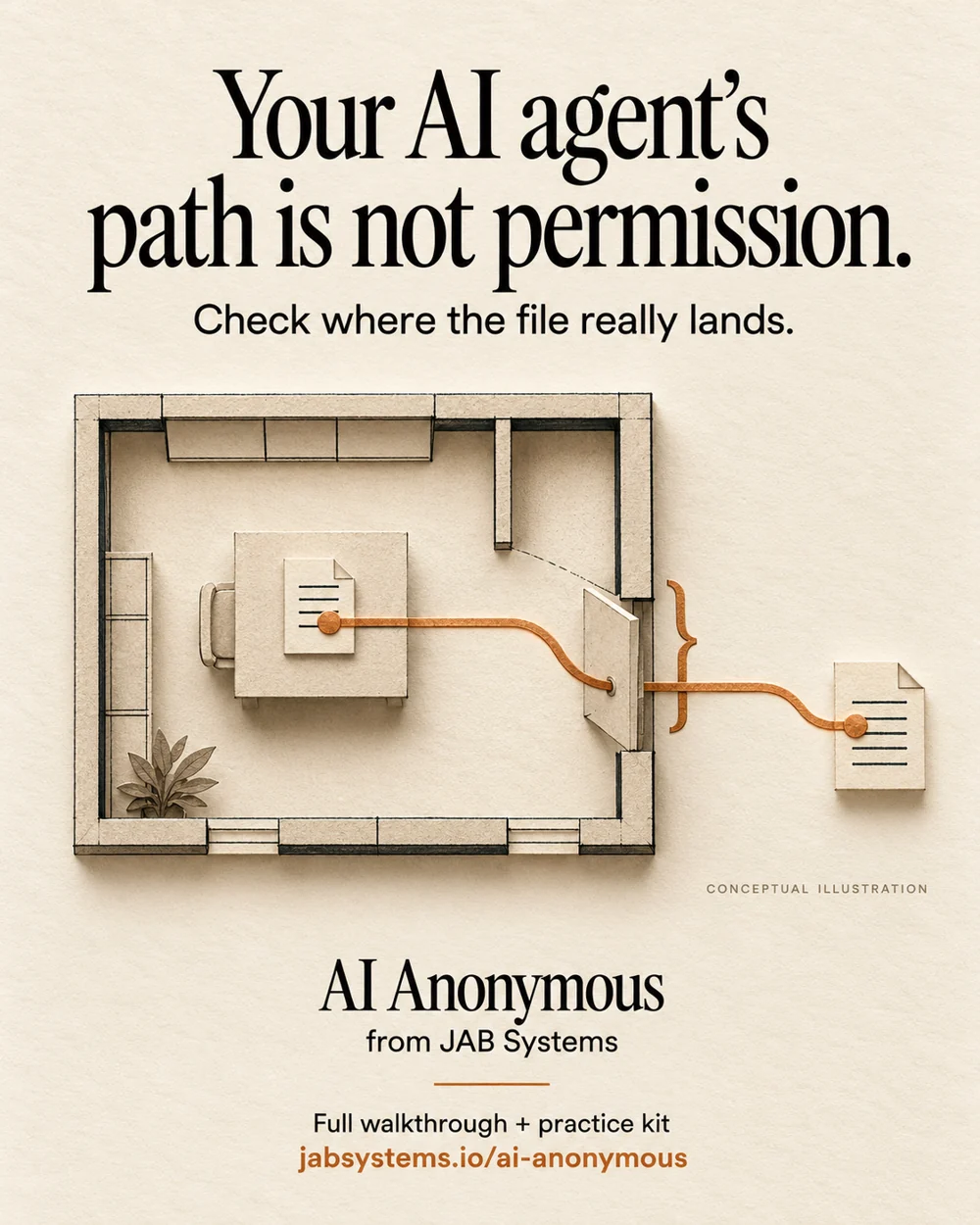
A plausible filename can point somewhere else.
A fictional assistant asks a file tool for ../workspace-old/brief.txt. Your trusted folder is workspace. A string-prefix check can confuse the two. That mistake lives in the tool boundary, regardless of how helpful the model sounds.
For professionals, this is a small review exercise for a file-reading integration. Hobbyists can run it without an AI account. Skeptics can inspect a concrete mechanism without accepting a claim about model intelligence. These requests are authored teaching inputs, not observed agent behavior.
MITRE CWE-22 describes paths escaping an intended restricted directory. Our exercise illustrates selected location checks; it does not certify a tool against that weakness.
Start with the sibling-folder trap.
from pathlib import PurePosixPath

root = PurePosixPath('/demo/workspace')
sibling_file = PurePosixPath('/demo/workspace-old/brief.txt')
print(str(sibling_file).startswith(str(root)))
print(sibling_file.is_relative_to(root))
This executed snippet prints True, then False. It compares fictional POSIX spellings only, even on Windows. No filesystem is consulted. A shared string prefix is not directory membership.
Python documents is_relative_to() as a string-based path operation: it does not itself resolve links or interpret parent components. In the full exercise, we resolve existing paths first, then compare their components.
Inspect the fictional fixture kit.
Use an existing Python 3.10+ installation. We ran Windows Python 3.13.15. Choose a different fresh directory name if the one below exists.
New-Item -ItemType Directory -Path .\file-scope-practice-2026-11-03 -ErrorAction Stop
Set-Location .\file-scope-practice-2026-11-03
Invoke-WebRequest 'https://jabsystems.io/ai-anonymous/Social/path-is-not-permission-practice.zip' -OutFile .\practice.zip
Expand-Archive -LiteralPath .\practice.zip -DestinationPath .\practice
Get-Content .\practice\file-scope-practice-readme.txt
Get-Content .\practice\check-file-scope.py
Read the README and script before running the second block. Downloading uses the network. The exercise itself creates fictional files inside its own temporary directory, checks locations and metadata, then cleans its fixture tree. It does not open the requested file contents.
python --version
python .\practice\check-file-scope.py | Set-Content -Encoding utf8 .\my-results.json
Get-Content .\my-results.json
Run normally, without python -O, so assertions remain enabled. No package installation, API key or elevated session is required. If your system cannot create a symlink, the report explicitly skips that case; do not count the skip as a successful check.
Make the input contract explicit.
Our authored policy accepts nonblank, plain relative filesystem paths. It rejects NUL bytes and colons, then rejects absolute or rooted spellings. The colon rule deliberately excludes Windows drive paths, drive-relative paths and alternate-stream spellings. This is a restrictive teaching policy, not a universal filename validator.
The trusted root comes from the fixture setup, never from the proposed request. We call resolve(strict=True) on that root and the joined candidate, check containment with is_relative_to(), and require a file rather than a directory. Python's resolution reference covers link resolution, parent components and strict handling of missing paths.
The returned inside_root label describes a location at check time. It grants no permission and triggers no read. Other visible results include outside_root, unresolved, not_file and rejected input. There is no fallback to a different directory.
What the local run actually showed.
The downloaded report records 13 passing authored cases on Windows Python 3.13.15:
- An ordinary relative file and an internal parent step that resolves back inside:
inside_root. - A parent escape and a sibling-prefix escape:
outside_root. - Absolute, rooted Windows, drive-relative, colon/stream, blank and NUL-containing input: rejected by the declared input policy.
- A missing file:
unresolved. A directory:not_file. - A real symlink in the fixture pointing to the fictional outside file:
outside_root.
The string-prefix false positive was also asserted. Download the actual local report. On another machine the symlink case can be skipped, and platform-specific result details can differ.
These are finite checks of our own demonstration. We did not test an agent, installed MCP server, private files, production tool, performance, hostile concurrent changes or another operating system.
Use the same question at the real tool boundary.
Ask where your tool turns the supplied string into a file operation. A prompt telling an assistant to stay in one folder does not implement that boundary.
The current MCP Python SDK guide distinguishes template prefilters from filesystem containment and directs filesystem handlers to its safe_join helper. That is documented SDK behavior, not something this standard-library kit installs or tests. Check the documentation for your actual installed SDK version before adapting an integration.
This kit accepts plain paths. Do not paste its function into a URI handler and assume encoding, decoding or SDK-specific behavior is covered. Read the complete exercise source and trace your own input boundary separately.
A location check still leaves important work.
An in-scope file may contain information a caller must not see. Apply separate policies for the caller, file and operation, and enforce the intended access through the operating system. Our report deliberately says authorization_granted: false.
There is also a gap between checking a name and later using it. Another process can change what that name refers to. MITRE CWE-367 explains this check/use race. This demo performs no subsequent content read and makes no race-free access claim. A production design needs platform-specific, operation-specific review of how the actual file is opened.
We did not test hard links, junctions, device names, all Windows aliases, mounts, concurrent replacement, permissions or a complete security boundary. A Python process with broad access remains a process with broad access.
Optional review prompt: “Trace where this file tool first uses the supplied path. Identify its trusted root, input format, resolved location check, caller authorization and check/use gap. Propose separate tests without opening private files.” This prompt is proposed; we did not run it against a model.
Take the file-scope kit.
Share this post · Practice ZIP · Complete exercise · Recorded results · Practice README · Review checklist
Original AI-generated conceptual portrait, visually reviewed. Primary sources checked November 3, 2026. The artwork is an editorial metaphor, not a tool screenshot.