01 / Reproduce
Reproduce the mismatch
Extract the practice ZIP and open PowerShell in the extracted folder. Use Python 3.10 or later. The first command prints a row per fictional answer pair. The second verifies the expected results and checks how the policy handles case, trailing whitespace, and compatibility characters.
python .\answer_check.py
python .\test_answer_check.py
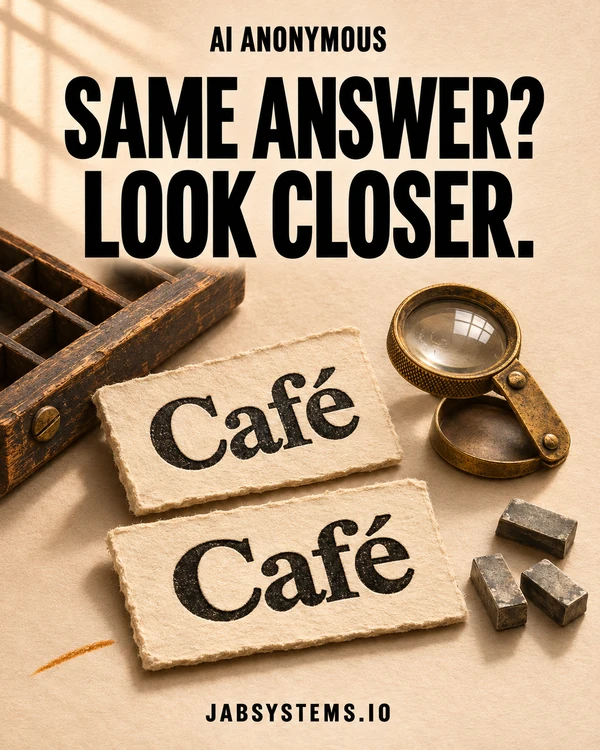
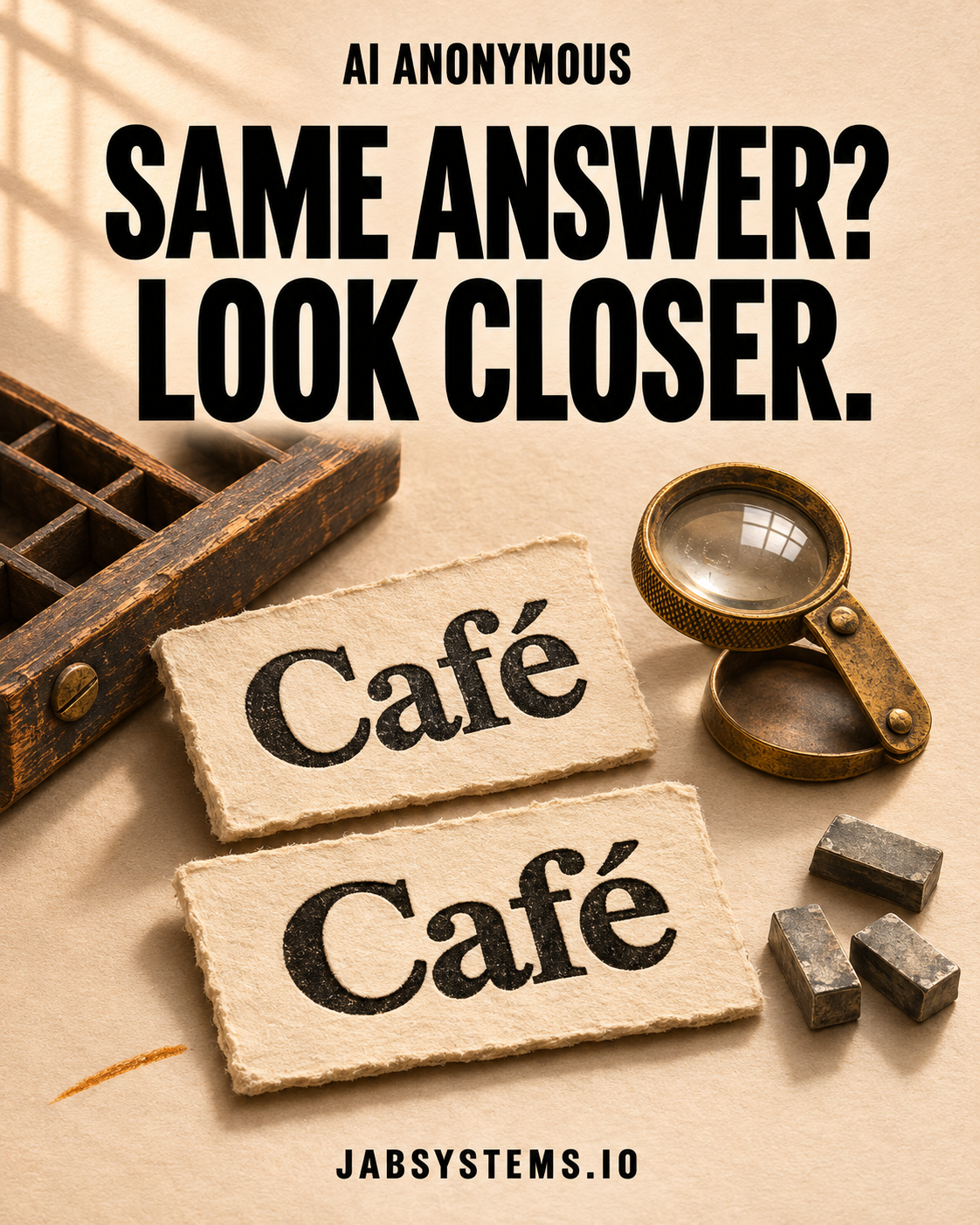
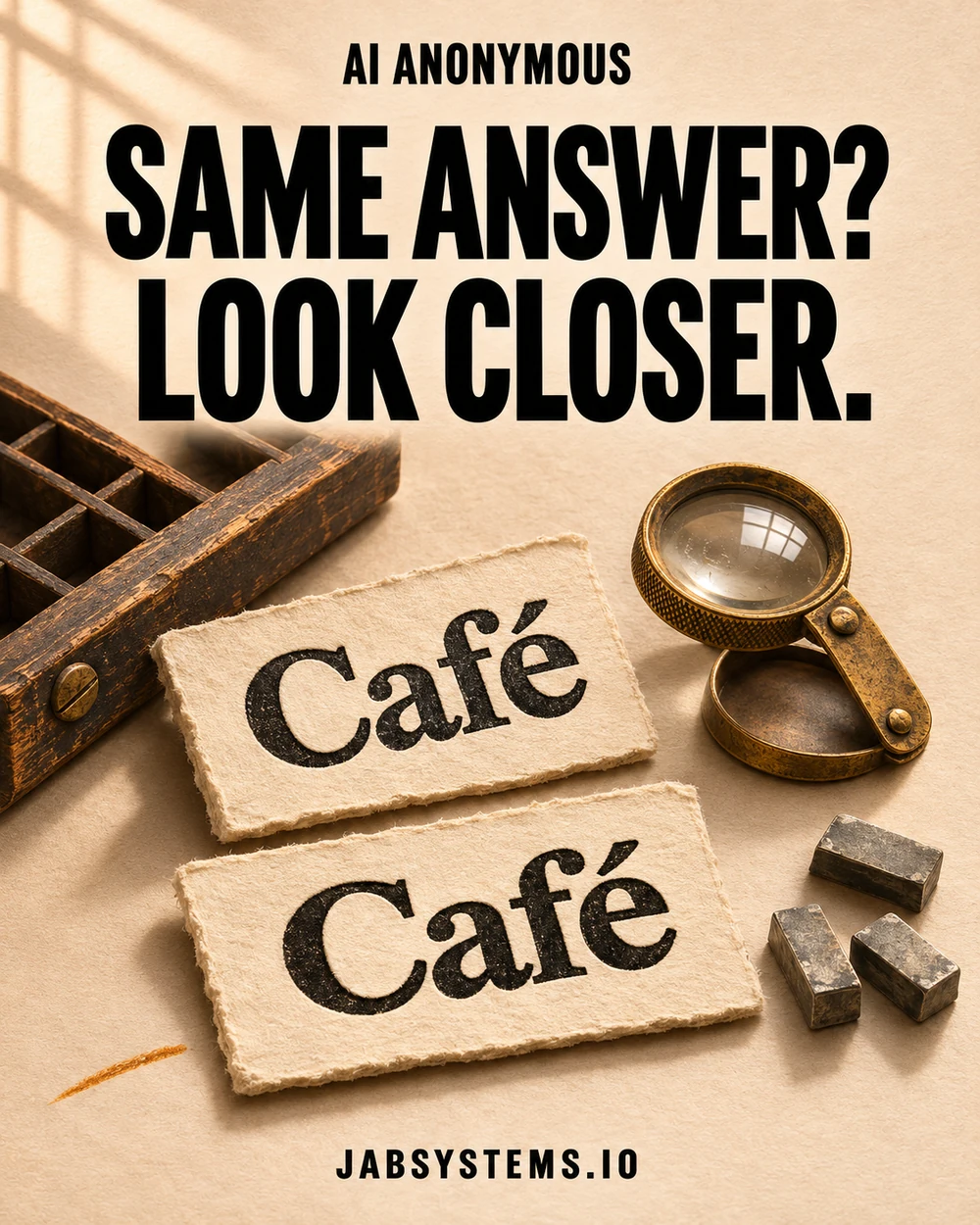
Compare the JSON with observed-results.json. Raw comparison matched one of five pairs. NFC comparison matched three. The two additional matches came from different code-point sequences for “Café” and “résumé.” Missing the accent in “Café” still failed. So did substituting the plain digit 1 for ①.
02 / Inspect
Compare both answers in NFC
Run this in a Python shell. The raw comparison returns False. The endings are U+00E9 and U+0065 U+0301. NFC (Normalization Form C) brings both strings to the same canonical representation, so the second comparison returns True.
from unicodedata import normalize

expected = "Caf\u00e9"
answer = "Cafe\u0301"

for value in (expected, answer):
    print(" ".join(f"U+{ord(char):04X}" for char in value))

print(expected == answer)
print(normalize("NFC", expected) == normalize("NFC", answer))
Normalize both operands at the comparison boundary. The compare() function keeps the raw verdict alongside the NFC verdict so you can see where the policy changed the result. NFC preserves the distinction between ① and 1. NFKC applies compatibility mappings as well, including that conversion. Choose the form that matches your rubric.
03 / Make it your own
Write down what counts as equal
- Copy
cases.jsontomy-cases.json. Append a case with IDextra-space, expected"North", and answer"North "with a trailing space. - Run the command below. The new pair should return
falsein both columns. The base five cases stay available for rerunning the tests. - Pick a text field your rubric scores, such as a storefront name. Label one pair that should match and one that must remain distinct before changing the comparison. Decide separately how to handle whitespace, case, punctuation, and compatibility characters.
python .\answer_check.py .\my-cases.jsonThe practice README includes an optional assistant prompt for proposing counterexamples to your rubric.
Boundaries
Keep the original answers
Store the raw answer, reference, and comparison policy with the evaluation so someone can reproduce the verdict. If the task requires exact code points or bytes, as in a literal transcription test, use a comparison that enforces that requirement. NFC may change string length, so keep offsets tied to the original if you need to highlight a span. The examples are authored fixtures. The checks cover the scorer only. Model accuracy, the optional prompt, production eval integrations, and performance remain untested.
Primary sources / Checked November 10, 2026
Read the Python and Unicode references
- Canonical and compatibility equivalence and the four forms. Unicode Standard Annex #15
- The Python API used in the lab. Python
unicodedata.normalize - Comparing Unicode strings in Python. Python Unicode HOWTO
Downloads / Practice and social files