01 / Reproduce
Load the same words two ways
Download the practice ZIP and extract it to a fresh folder. Open unquoted.yaml in a text editor. Its contents are:
labels: [yes, no, review]
enabled: false
With Python 3.10 or newer installed, open PowerShell in that folder and run:
python -m venv .venv
.\.venv\Scripts\python.exe -m pip install PyYAML==6.0.3
.\.venv\Scripts\python.exe .\check-labels.py
The script loads both included files. These are the observed results; the JSON lines use lowercase JSON Booleans:
unquoted.yaml
{"labels": [true, false, "review"], "enabled": false}
label types: bool, bool, str
REJECT: every label must be a string
quoted.yaml
{"labels": ["yes", "no", "review"], "enabled": false}
label types: str, str, str
ACCEPT: yes, no, review
quoted.yaml changes only the label quoting. It keeps enabled: false as a real Boolean. This lets the two fields retain their intended, different types.
02 / Inspect
Check labels and types
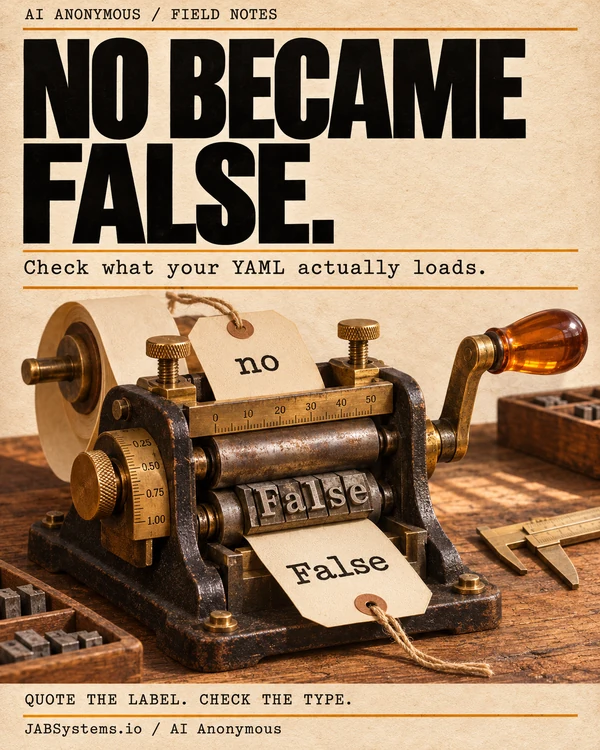
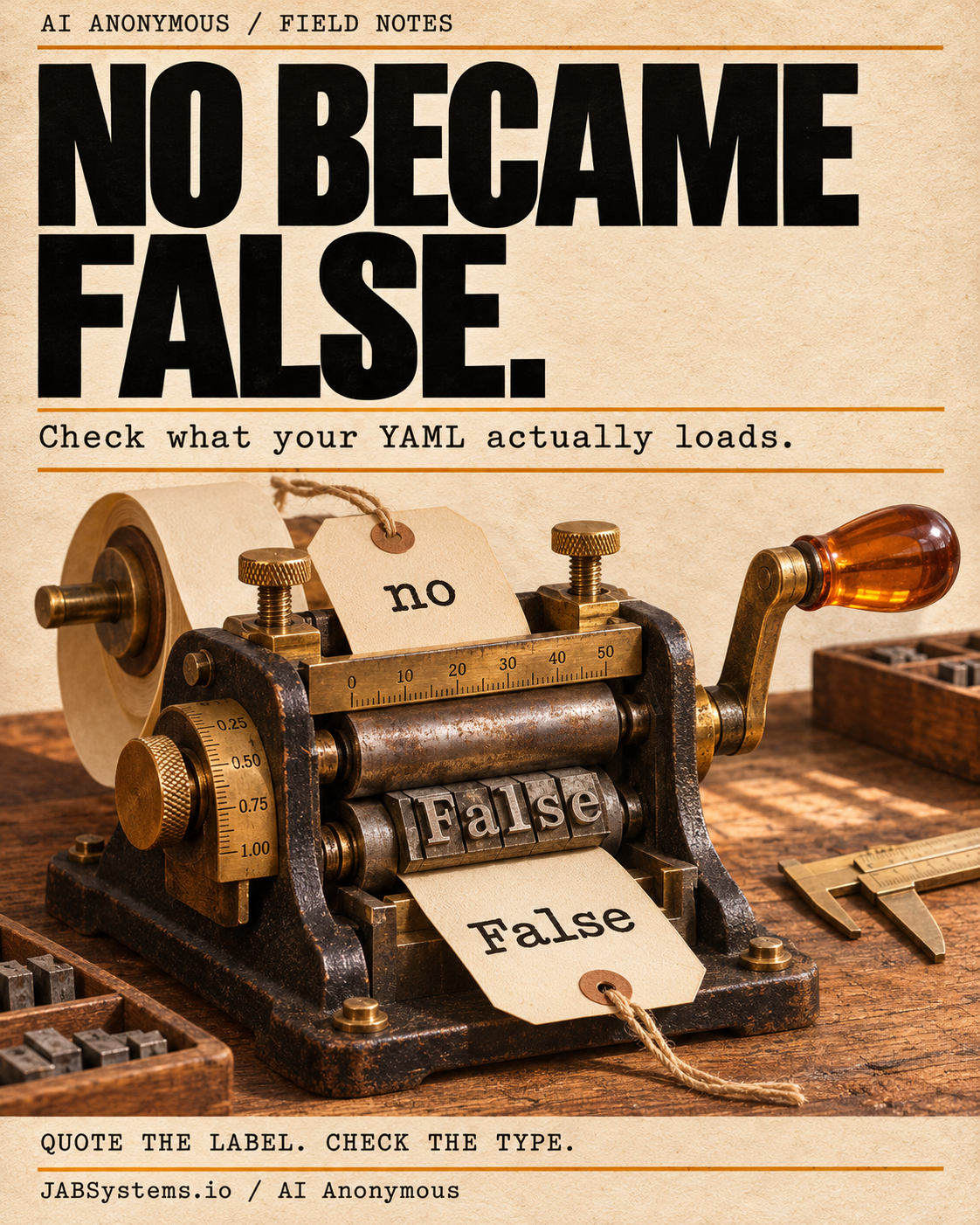
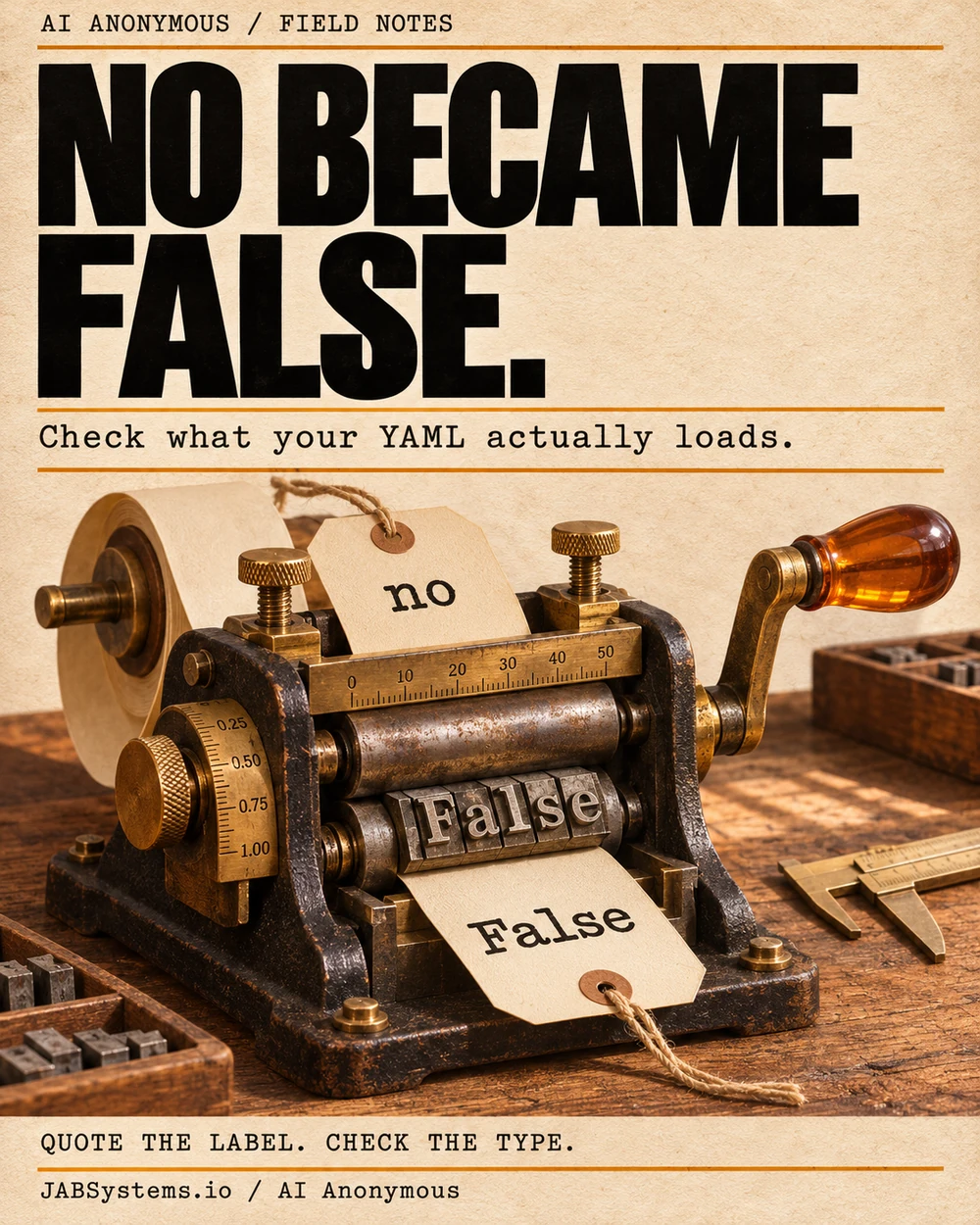
PyYAML resolves certain plain words to typed values. Its pinned resolver includes yes, no, on, and off as Boolean spellings. The safe_load function limits object construction; it does not enforce your configuration contract. A file can parse successfully and still contain the wrong types.
This minimal excerpt isolates the difference:
import yaml

plain = yaml.safe_load("labels: [yes, no, review]")
quoted = yaml.safe_load('labels: ["yes", "no", "review"]')
print(plain["labels"])
print(quoted["labels"])
[True, False, 'review']
['yes', 'no', 'review']The downloaded script also requires exactly two fields, three string labels in the expected order, the expected vocabulary, and a Boolean enabled value. It rejects an invalid file instead of quietly converting everything to strings. That matters because str(False) gives "False", not the intended label "no".
Parser scope matters. These results describe PyYAML 6.0.3 with safe_load. YAML 1.2 core resolution uses different Boolean spellings. Check your actual library, version, and schema before assuming another YAML consumer behaves the same way.
03 / Make it your own
Break one field at a time
In quoted.yaml, remove the quotes around only "no". Rerun the same command:
.\.venv\Scripts\python.exe .\check-labels.pyBoth files now print REJECT: every label must be a string. Restore those quotes, then change enabled: false to enabled: "false". Rerun: the quoted file prints REJECT: enabled must be a Boolean. Quoting every scalar would break the second field’s contract.
For a small configuration you own, list each field’s required type and allowed values. Adapt the guard to that contract, including required keys and list shape. Try one wrong type and one unknown label before connecting it to an assistant. This starter guard deliberately accepts only this exercise’s exact vocabulary and order.
04 / Use the evidence
Put the check before the action
Validate loaded configuration before building a model prompt, selecting a label, or considering an action. Handle rejected configuration explicitly. The exercise only prints results: ACCEPT confirms the tiny contract, and does not authorize a real workflow. An application still needs to honor enabled: false and enforce its own approval rules.
For AI-assisted code review, try this proposed prompt alongside a small, non-sensitive configuration and its guard:
Review how these YAML fields are loaded. State the parser and version, show the resulting Python types, and compare each field against the application's expected contract. Suggest a minimal correction and a failing example. Do not execute a workflow or change approval settings.
Verification boundary. We ran the fixture parser, exact excerpts, guard rejection cases, and adaptations locally. We did not run that prompt, a model, a production classifier, or a performance comparison. The guard is not a general YAML validator, duplicate-key detector, or hostile-input defense. These small reviewed fixtures do not establish resource limits or safety for arbitrary files.
Primary sources / Checked November 18, 2026
Read the YAML references
- Plain scalars, implicit resolution, quoted text, and the scope of
safe_load. PyYAML documentation - The Boolean resolver used by this pinned release. PyYAML 6.0.3 resolver source
- The core schema’s type-resolution rules. YAML 1.2.2 core tag resolution
- The open-source package installed for this exercise. PyYAML 6.0.3 on PyPI
Downloads / Practice and social files
Get the practice and posting files
The posting ZIP contains the original portrait, teaser, alt text, and full article URL. Social delivery is manual. Explore more AI Anonymous field notes →