01 / Reproduce
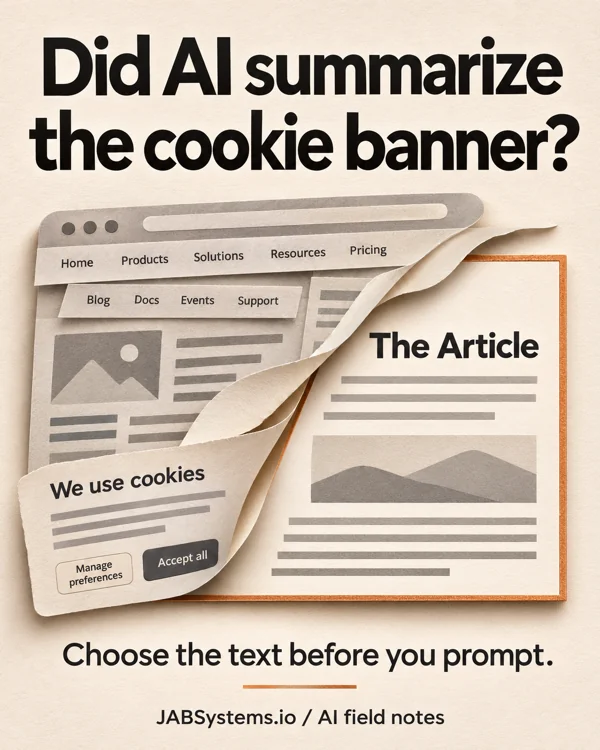
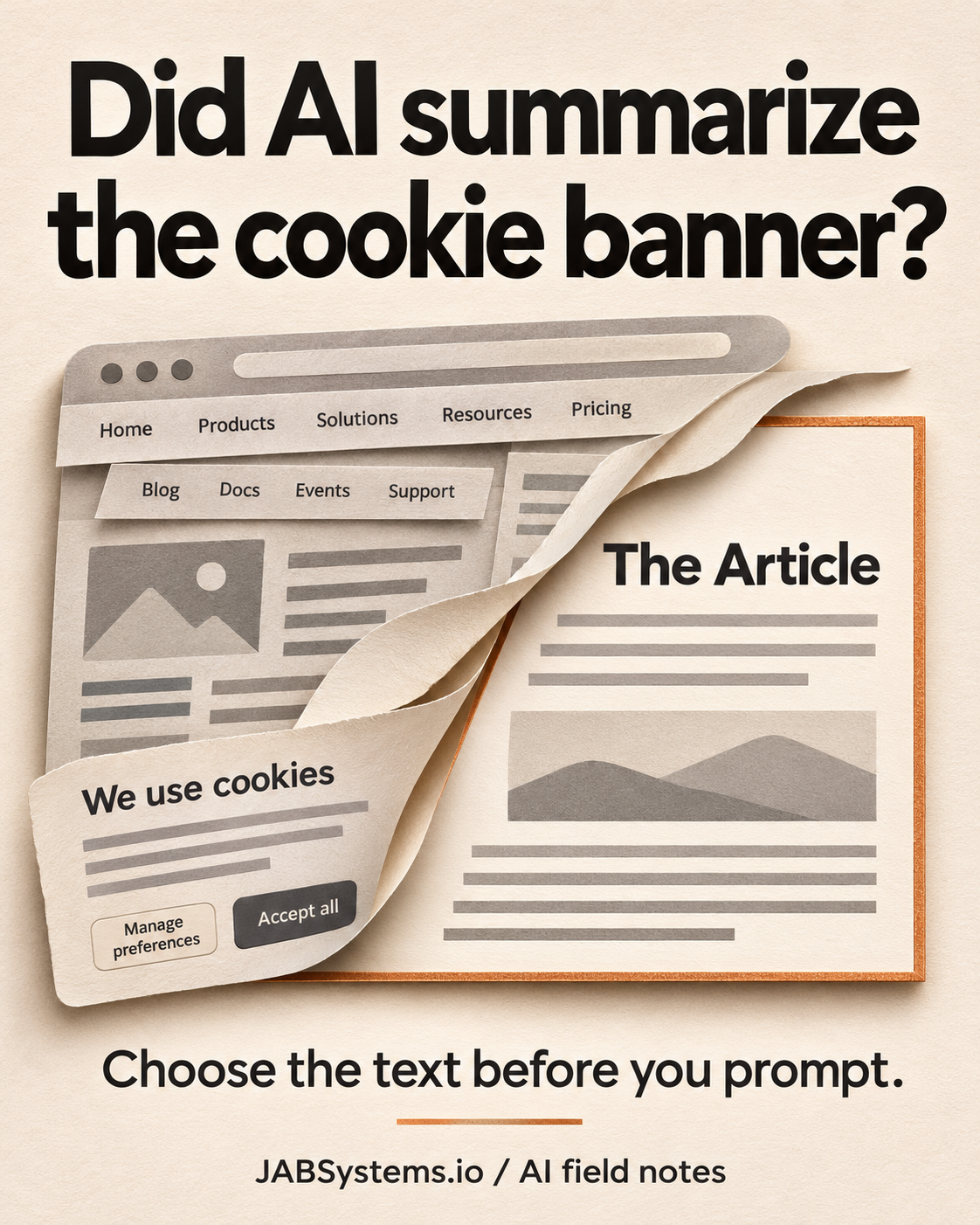
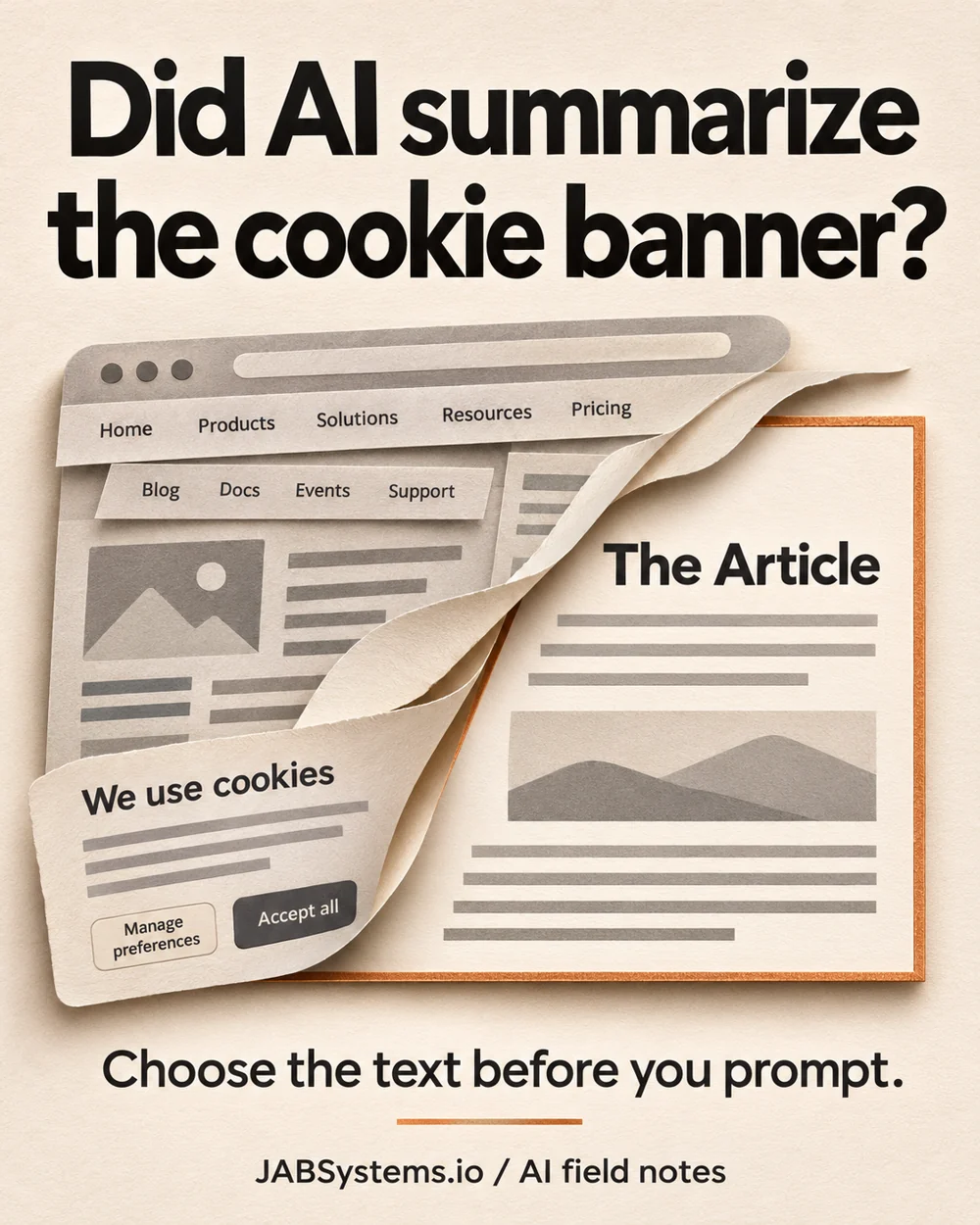
Compare the page with the selected source
Download the practice ZIP, extract it into a fresh folder and open PowerShell there. Use Python 3.10 or newer. Run these complete commands; they use the virtual environment directly, so activation is unnecessary.
python -m venv .venv
.\.venv\Scripts\python.exe -m pip install -r .\requirements.txt
.\.venv\Scripts\python.exe .\choose-source.py
The installation downloads three pinned packages. The lab then runs offline, reads the included fictional workshop.html and writes three output files beside the script. The ZIP includes our recorded outputs, which a new run replaces. No account or API key is needed.
{"case_count": 8, "checks": "passed", "model_called": false}Open whole-page.txt and selected-source.txt side by side. The whole-page text contains the navigation and cookie notice. The selected source reads:
Build a desk sensor The kit includes one sensor and a case. Battery is not included. Bring your own cable. Parts listCheck the exclusions: the battery is not included, and the reader must bring a cable. Shorter text would be a poor trade if either fact disappeared.
02 / Understand
Select a region before extracting its text
This smaller example runs in the extracted folder with the installed environment. Save it as snippet.py there and run .\.venv\Scripts\python.exe .\snippet.py:
from pathlib import Path
from bs4 import BeautifulSoup

html = Path("workshop.html").read_text(encoding="utf-8")
soup = BeautifulSoup(html, "html.parser")
regions = soup.select("main")
if len(regions) != 1:
    raise ValueError("Inspect the source region before continuing")
print(regions[0].get_text(" ", strip=True))
select("main") collects matching elements; we require exactly one. get_text(" ", strip=True) joins the selected text fragments with spaces. Without an explicit separator, inline tags can join neighboring words: our Doors <b>open</b> Friday. fixture becomes DoorsopenFriday. with get_text(strip=True).
These APIs are documented in Beautiful Soup’s selector guide and text extraction guide. The complete lab also rejects empty selections and tables. Those rejection rules are our tutorial policy.
Spaces can also alter punctuation and flatten layout. The complete script records link labels and raw href values separately in observed-results.json; text extraction alone would keep “Parts list” but lose /parts. That relative path is not resolved or fetched by this lab.
03 / Inspect the failure
A selector can hide the correction
One case contains <main>Workshop is open.</main> followed by <aside>Correction: workshop is cancelled.</aside>. Selecting main omits the correction. The report explicitly records omitted_as_expected; it does not declare the extracted source complete.
Move that same aside inside main and its text is retained. We do not blanket-delete asides: in the workshop fixture an aside holds the cable requirement. A tag name alone does not establish whether its content matters.
The other cases cover the workshop selection, a missing region, multiple regions, an empty region, a table requiring separate review and inline word boundaries. Expected errors are caught and checked; unexpected behavior stops the script with an assertion or exception.
The HTML standard describes main as the document’s dominant content. That is a useful starting point to inspect. A particular website can use its markup differently, omit the element or place vital notes elsewhere. Do not silently fall back to the entire page when your selector fails.
04 / Make it your own
Keep a source you can audit
- Start with a saved page you are permitted to use. Keep the original HTML, source URL and capture date. Inspect its article region and surrounding corrections before choosing a selector.
- Compare the selected text against the original: headings, exclusions, dates, notes, lists, links and tables. This example refuses tables because flat text does not reliably preserve their relationships.
- Add your own fixtures before adapting
extract. Try an outside correction, a changed selector and two matching regions. Keep the explicit failure behavior; review every changed output. - Only then supply the reviewed source to your chosen assistant, if you may share it there. Ask for supporting source sentences alongside a summary and check them yourself. The README includes an optional, untested review prompt.
For a nontechnical review, use the same habit without Python: copy the article into a separate document, compare it with the page and check every exclusion and correction before asking for a summary.
Boundaries
Cleaner input still needs judgment
This is an inspected-region example, not automatic article discovery. Beautiful Soup parses the saved HTML; this lab does not execute JavaScript, retrieve missing page content, visit links or reproduce a rendered browser’s visibility rules. Hidden content can remain. Parser choice can affect malformed HTML; this run explicitly uses html.parser.
It is not HTML sanitization, permission checking or a prompt-injection defense. Instructions inside selected source remain untrusted source text. We tested fictional HTML, not real AI summaries, live-site scraping, source completeness across websites, model behavior, security or performance. Eight passing checks establish only the authored behaviors shown in the report.
Primary sources / Checked November 6, 2026
Read the behavior, then inspect your page
Downloads / Practice files