01 / Reproduce
Inspect the returned text
Use Python 3.10 or newer. Copy this complete snippet into a scratch Python file and run it. It reads only the string shown here.
import re

text = "[RED] [BLUE]"
print(re.findall(r"\[.*\]", text))
print(re.findall(r"\[.*?\]", text))
print(re.findall(r"\[[A-Z]+\]", text))
Our run printed:
['[RED] [BLUE]']
['[RED]', '[BLUE]']
['[RED]', '[BLUE]']
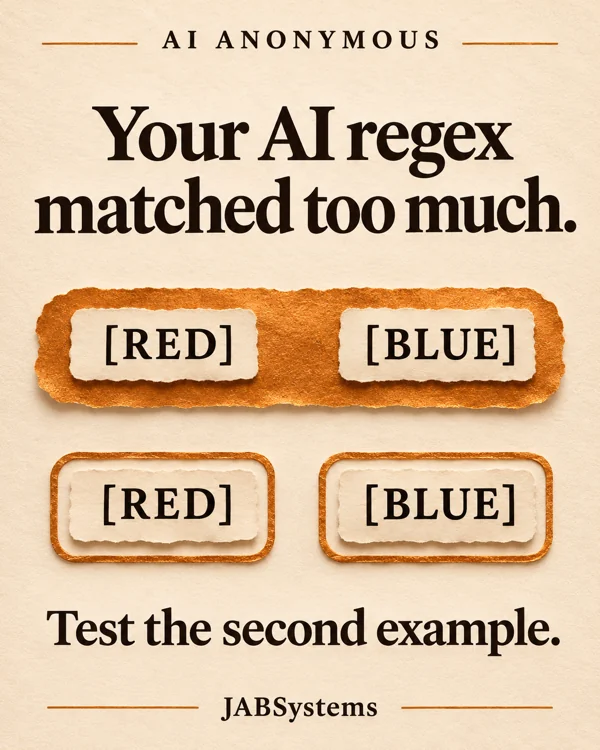
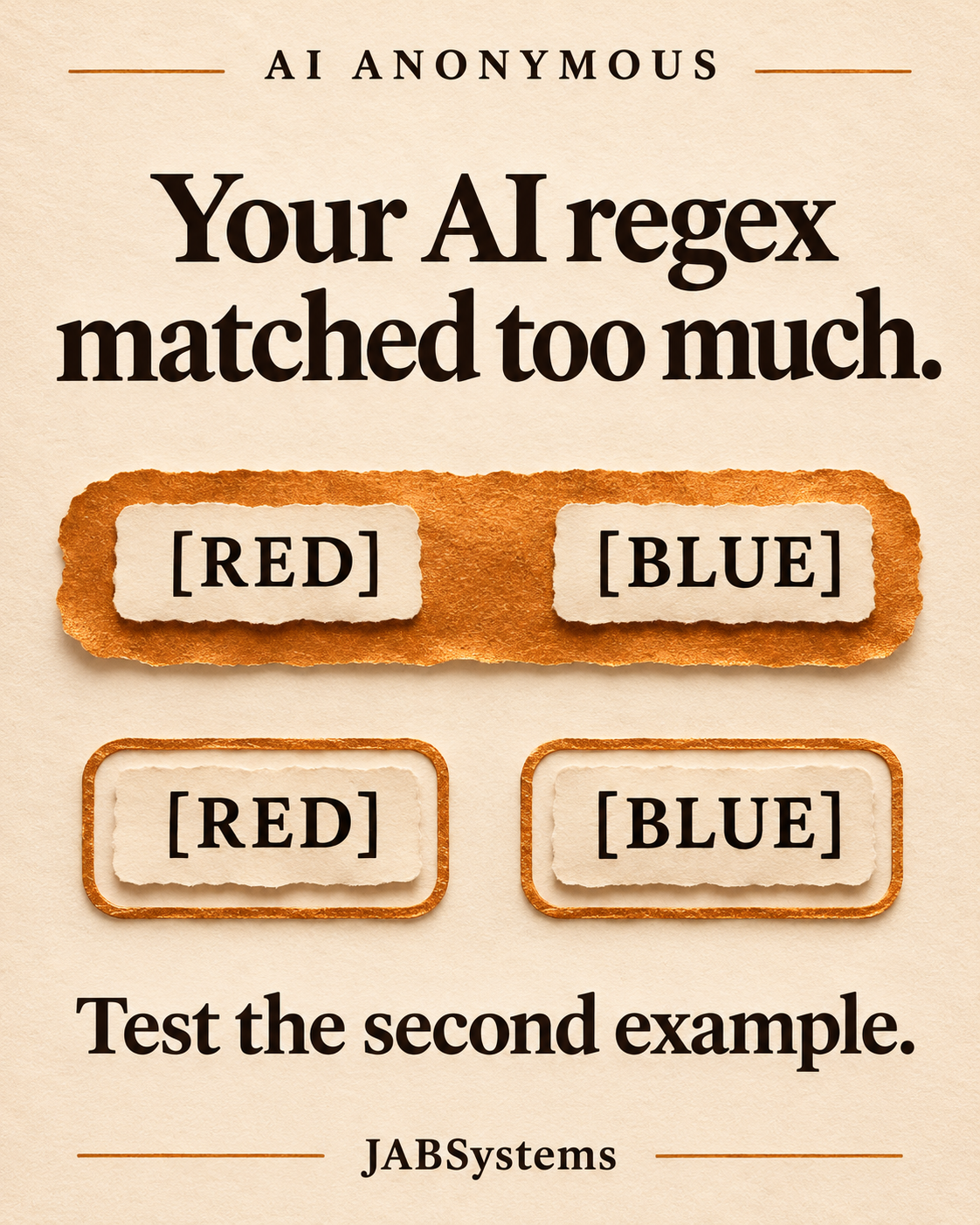
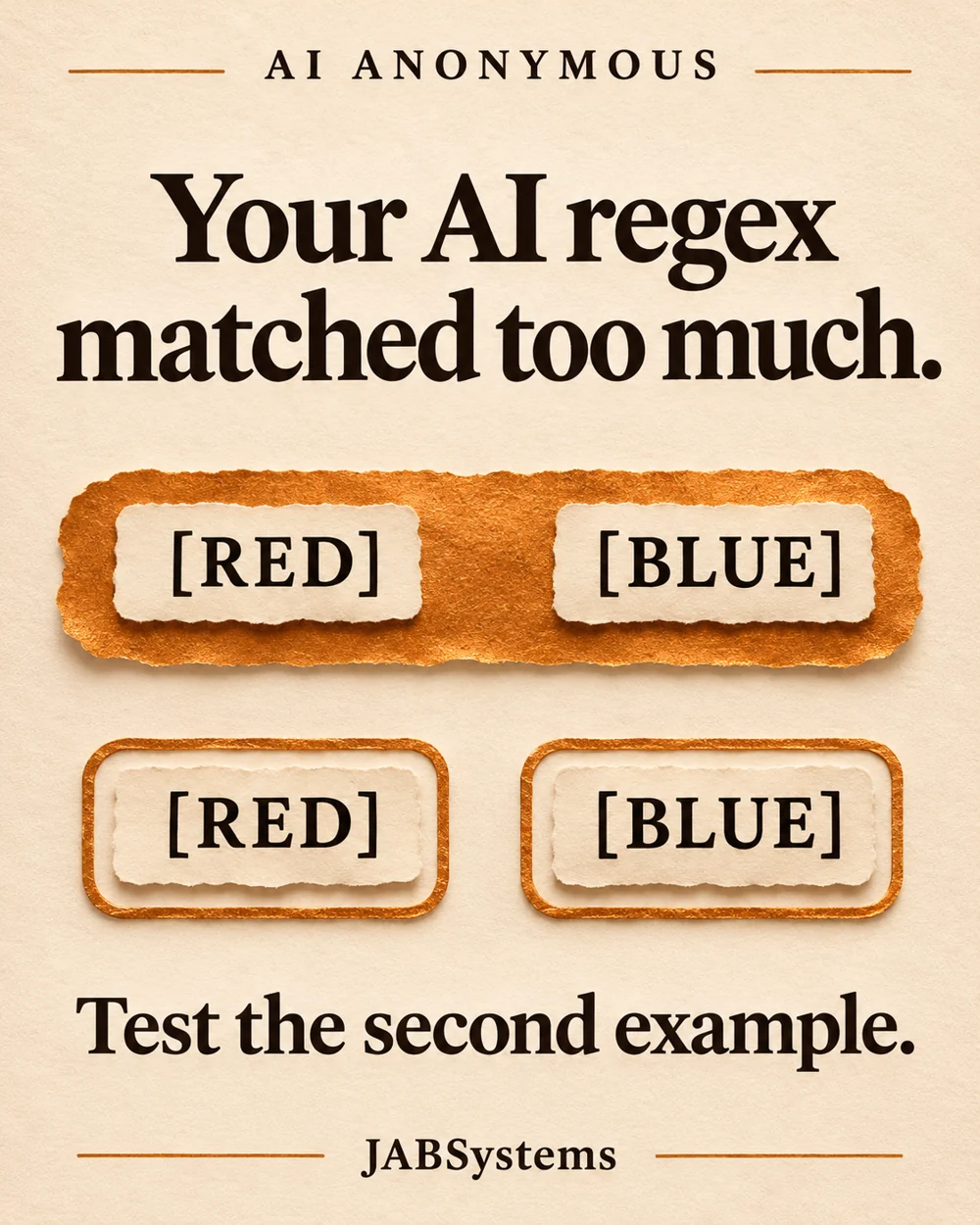
In Python, .* is greedy: it consumes as much as it can while the remaining pattern still matches. The closing bracket can therefore be the last one on this line. .*? tries a shorter match. The raw-string prefix keeps the backslashes for the regex engine. Python regex syntax.
02 / Define
A shorter match still needs a rule
For this fictional workflow, a label contains one or more ASCII uppercase letters inside square brackets. Keep the brackets and source order. Empty labels, lowercase letters, numbers and newlines inside a label do not qualify. Ordinary text may appear between labels.
The minimal variant separates the two labels, but also returns [], [red] and [R2D2]. Each conflicts with this policy. The reviewed pattern r"\[[A-Z]+\]" makes that alphabet and the minimum length explicit.
This policy is our example's requirement. Your project might legitimately allow numbers or mixed case. Define that requirement before asking an assistant to revise a pattern.
03 / Run and review
Keep both accepted and rejected examples
Download the practice ZIP above and extract it into a fresh folder. Open PowerShell in the extracted folder and run:
python .\check-labels.pyNo package installation, account or API key is needed. The script writes observed-results.json in your current folder; the ZIP includes our recorded report for comparison. Its Python version records the runtime that produced it.
{"case_count": 10, "passed": {"draft": 5, "minimal": 7, "reviewed": 10}}The ten cases cover one label, two separated labels, adjacent labels, ordinary text, empty brackets, lowercase, digits, a newline inside a label, a newline between labels and a missing closing bracket. Read the actual lists in the report, including the empty lists. The runner asserts every reviewed result and the three summary counts, exiting unsuccessfully if those checks disagree.
findall returns non-overlapping matches. These patterns have no capturing groups, so the result contains whole matched tokens. None uses DOTALL; dot does not cross a newline in this run. Python findall reference.
04 / Make it your own
Change the examples before the pattern
- Add
[RED-BLUE],[Red]and[R2D2]to the fixture list. Write each expected list first. Decide whether hyphens, case and digits belong in your format. - Ask your assistant to explain the current matches against that written policy. Give it the Python version and redacted examples. A proposed review prompt is in the README; we have not run that prompt against a model.
- Inspect the proposed pattern, rerun the fixture list, and review every changed output. When extending the supplied lab, deliberately update its pinned ten-case summary assertion as the README explains.
For a nontechnical review, the same habit works in a spreadsheet: write the input, expected extracted labels and actual labels in three columns. A visible mismatch is a useful question to take back to whoever owns the extraction.
Boundaries
Know what ten examples establish
This is substring extraction. It does not validate a complete note: a matching token inside a larger malformed structure can still be returned. If you need an entire field to follow a grammar, define that separate requirement and consider fullmatch. The lab does not establish nested-bracket handling, semantic correctness, all Unicode rules, resilience to hostile input or production readiness.
These are plain fictional labels. HTML and XML require their own parsing tools; changing greediness is not a general markup parser. Python's regex HOWTO explains that boundary. We tested no real model outputs, agent integration, large documents, other regex engines or timing. Python syntax and behavior should be checked again if you move this into JavaScript or another engine.
Primary sources / Checked November 5, 2026
Read the Python documentation
Downloads / Practice files