Check what will actually reach the model.
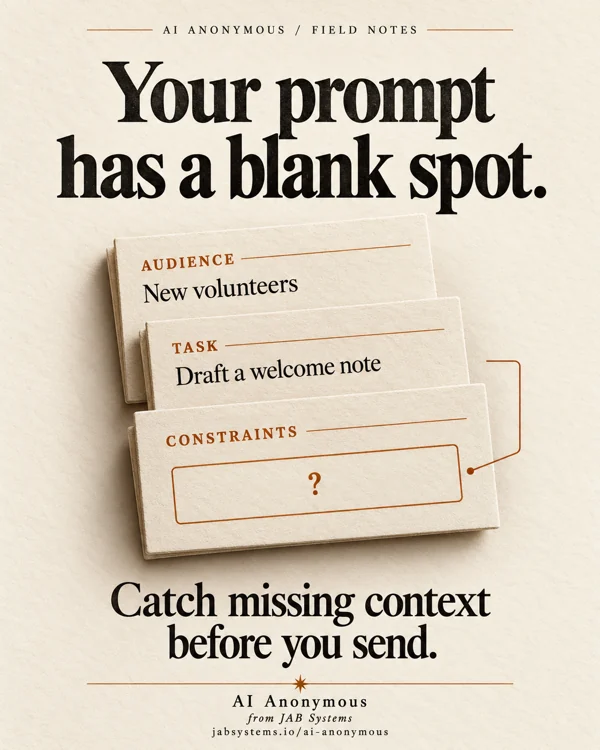
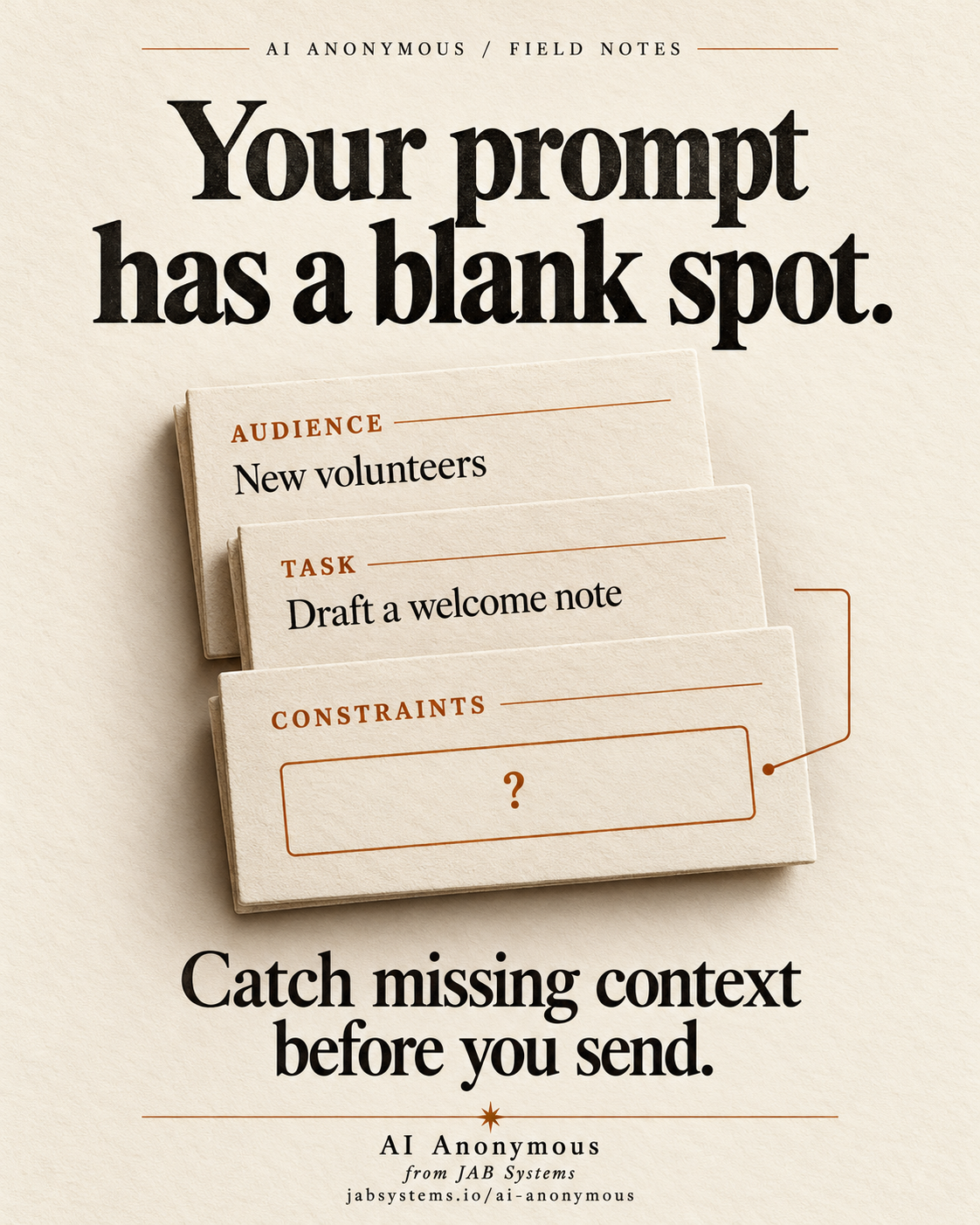
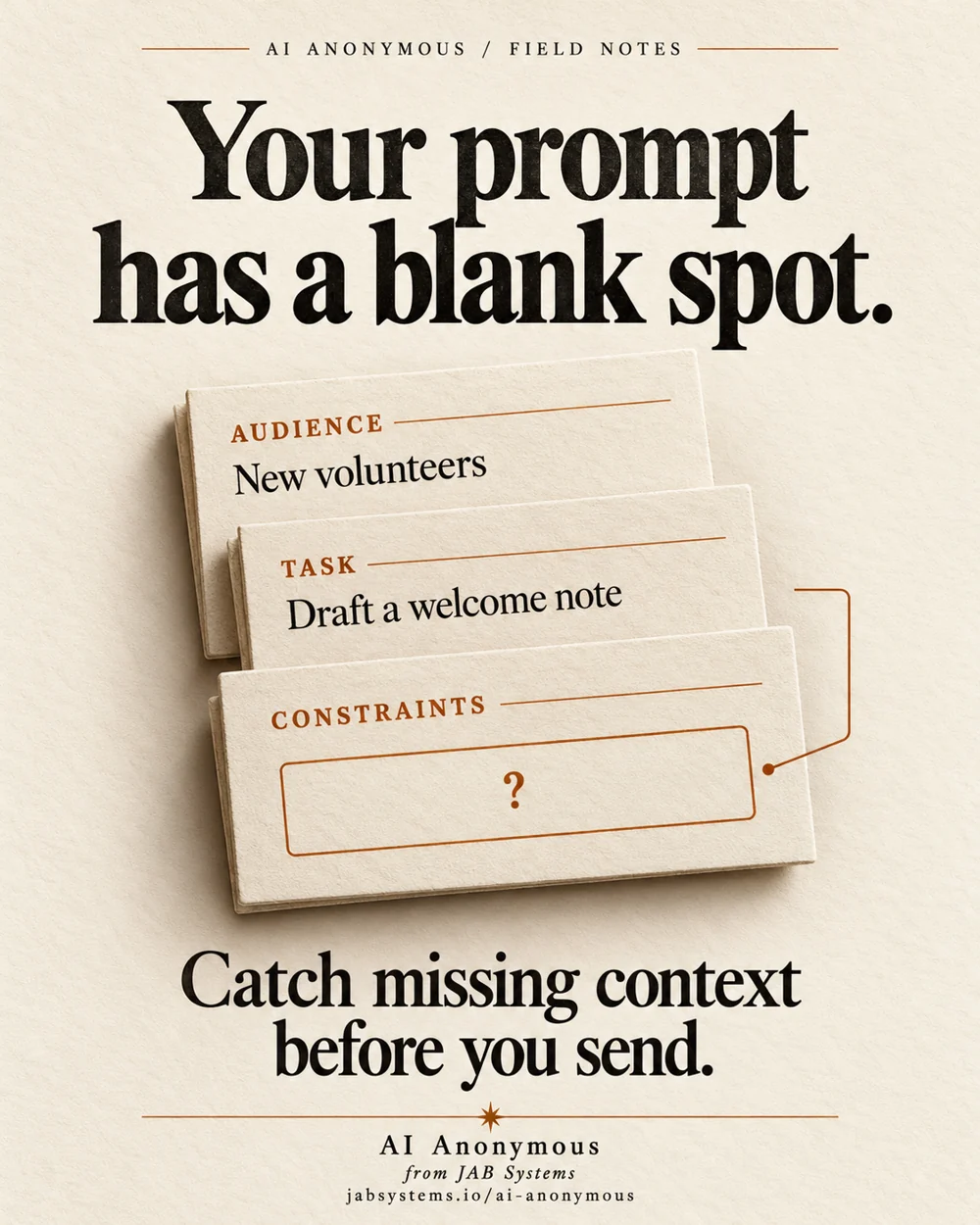
A reusable prompt can combine an audience, a task and constraints from separate fields. In a fictional volunteer welcome-note workflow, the task is present but the constraints key is missing. Inspecting the assembled text exposes the gap before any model request.
Jinja is an open-source Python template engine. It can produce plain text as well as HTML. Here we use it to assemble a prompt locally. This is a proposed AI workflow with an actually executed template exercise; we did not send the prompt to a model.
Professionals can apply the idea to reviewed briefing templates; hobbyists can start with the fictional kit. Skeptics can inspect the exact inputs and output without accepting an AI quality claim.
Missing is different from blank.
The official variable documentation explains that the default undefined object prints as an empty string. This is scoped behavior: other operations on an undefined value can raise. It does not mean every missing value in every Jinja application fails silently.
Our three-line template uses {{ audience }}, {{ task }} and {{ constraints }}. Removing the constraints key leaves a visible label with no content in the default render. StrictUndefined makes that accessed missing value raise UndefinedError instead.
Inspect the kit, then run it locally.
Use an existing Python 3.10+ installation. We ran Windows Python 3.13.15 and Jinja2 3.1.6; primary sources checked October 30, 2026. The first block creates a new folder. Pick another name if it already exists.
New-Item -ItemType Directory -Path .\prompt-practice-2026-10-30 -ErrorAction Stop
Set-Location .\prompt-practice-2026-10-30
Invoke-WebRequest 'https://jabsystems.io/ai-anonymous/Social/blank-spot-practice.zip' -OutFile .\practice.zip
Expand-Archive -LiteralPath .\practice.zip -DestinationPath .\practice
Get-Content .\practice\template-practice-readme.txt
Get-Content .\practice\check-prompt-template.py
Read the script before running the next block. It renders trusted literal templates with fictional data and prints JSON; it contains no model or API calls.
python --version
python -m venv .venv
.\.venv\Scripts\python.exe -m pip install Jinja2==3.1.6
.\.venv\Scripts\python.exe .\practice\check-prompt-template.py | Set-Content -Encoding utf8 .\my-results.json
Get-Content .\my-results.json
Installation needs network access. A virtual environment isolates dependencies, not untrusted code. The direct Jinja version is pinned; transitive dependencies are not fully locked.
What the local run actually showed.
- Default missing key: the rendered prompt ended with
Constraints:. - Strict missing key:
UndefinedErrorwith'constraints' is undefined. - Complete context: the supplied constraints appeared in the final prompt.
- Defined empty string: strict mode still produced a blank constraints line.
- Defined None: strict mode printed
None; it did not treat it as absent. - Our required-text policy: missing, empty, whitespace-only and null constraints each returned
human_review_required. - Explicit optional fallback: missing tone rendered as
Tone: neutralwith a default filter. - Braces in an input value:
{{ audience }}remained literal after one render.
These are authored teaching cases, not observed AI failures. Compare your JSON with the recorded local report. Passing these finite examples establishes only the stated behavior in this environment.
Make the missing field interrupt the handoff.
from jinja2 import Environment, StrictUndefined, UndefinedError

env = Environment(undefined=StrictUndefined, autoescape=False)
template = env.from_string("Constraints: {{ constraints }}")
try:
    print(template.render({}))
except UndefinedError as error:
    print(type(error).__name__, str(error))
The snippet catches the exception so you can read it. In a real application, make the error prevent the send step and return a useful request for the missing input. This kit does not implement a model client or production send gate.
autoescape=False is intentional for this plain-text exercise. It is not guidance for generating HTML. Keep template source trusted; never pass arbitrary user text into from_string as executable template source.
Decide which fields really are required.
StrictUndefined does not require defined values to be meaningful. The kit adds a small application policy: audience, task and constraints must each be nonblank strings. It checks type and stripped content before rendering. That is our authored rule, not automatic semantic validation by Jinja.
Use explicit fallbacks only for optional fields. The documented default filter can handle an undefined value even in strict mode. A fallback on a required constraint could hide an omission again. Review those choices instead of adding defaults everywhere.
The braces case illustrates one rendering pass. Do not feed the resulting prompt back into Jinja: input data could then become template source. Keeping it literal here is not a security audit or a prompt-injection defense.
Review the assembled prompt before sending.
Keep the final prompt next to its source inputs. Check factual support, required instructions, optional defaults and the intended audience. A populated field can still contain incorrect or unsuitable text. Any eventual model response needs its own review.
Tested: the authored missing/empty/null/default/literal-data cases, explicit nonblank input policy, smaller snippet and extracted kit on Windows. Not tested: model responses or quality, prompt-injection resistance, production integrations, error frequency, speed or other operating systems. No universal accuracy or productivity claim follows.
Take the prompt-template kit.
Practice ZIP · Complete exercise · Recorded results · Practice README · Review checklist
Original AI-generated conceptual portrait, visually reviewed. Primary sources checked October 30, 2026.