Give every number a quantity.
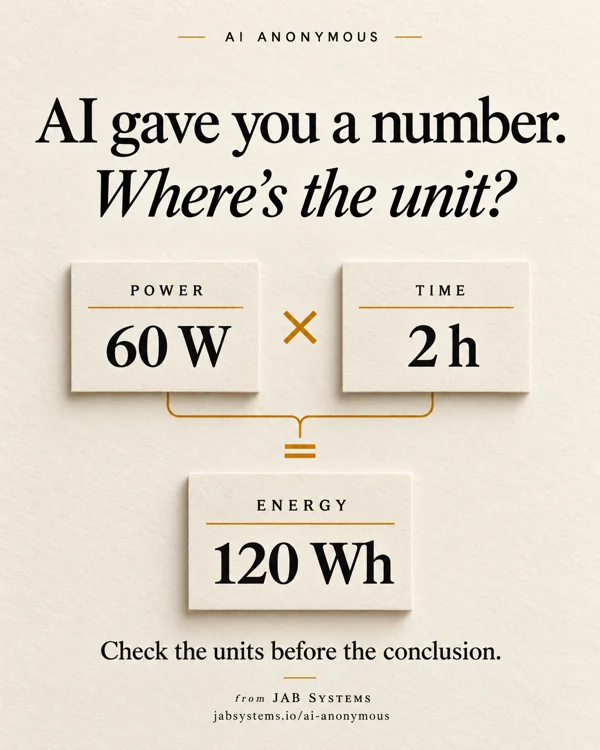
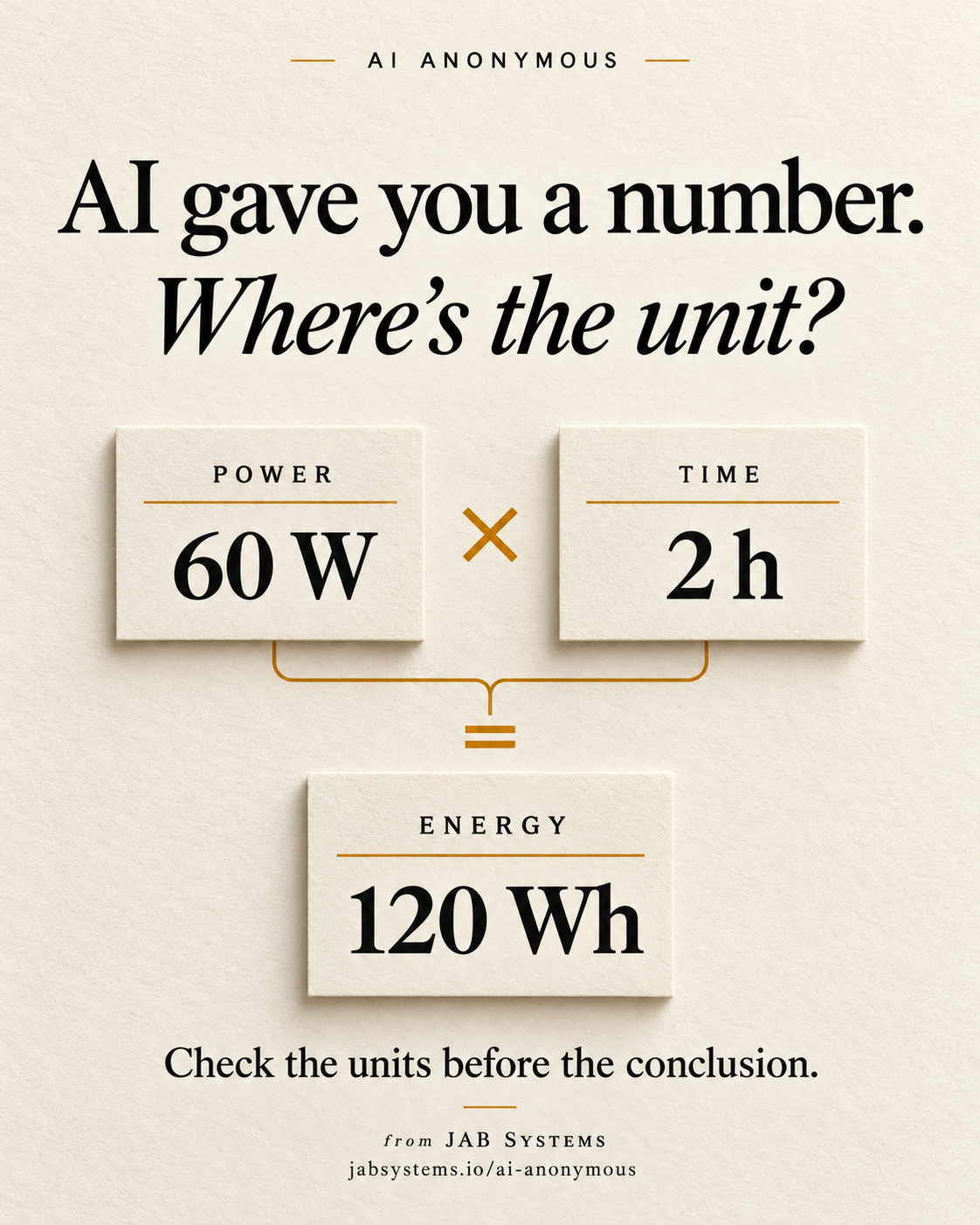
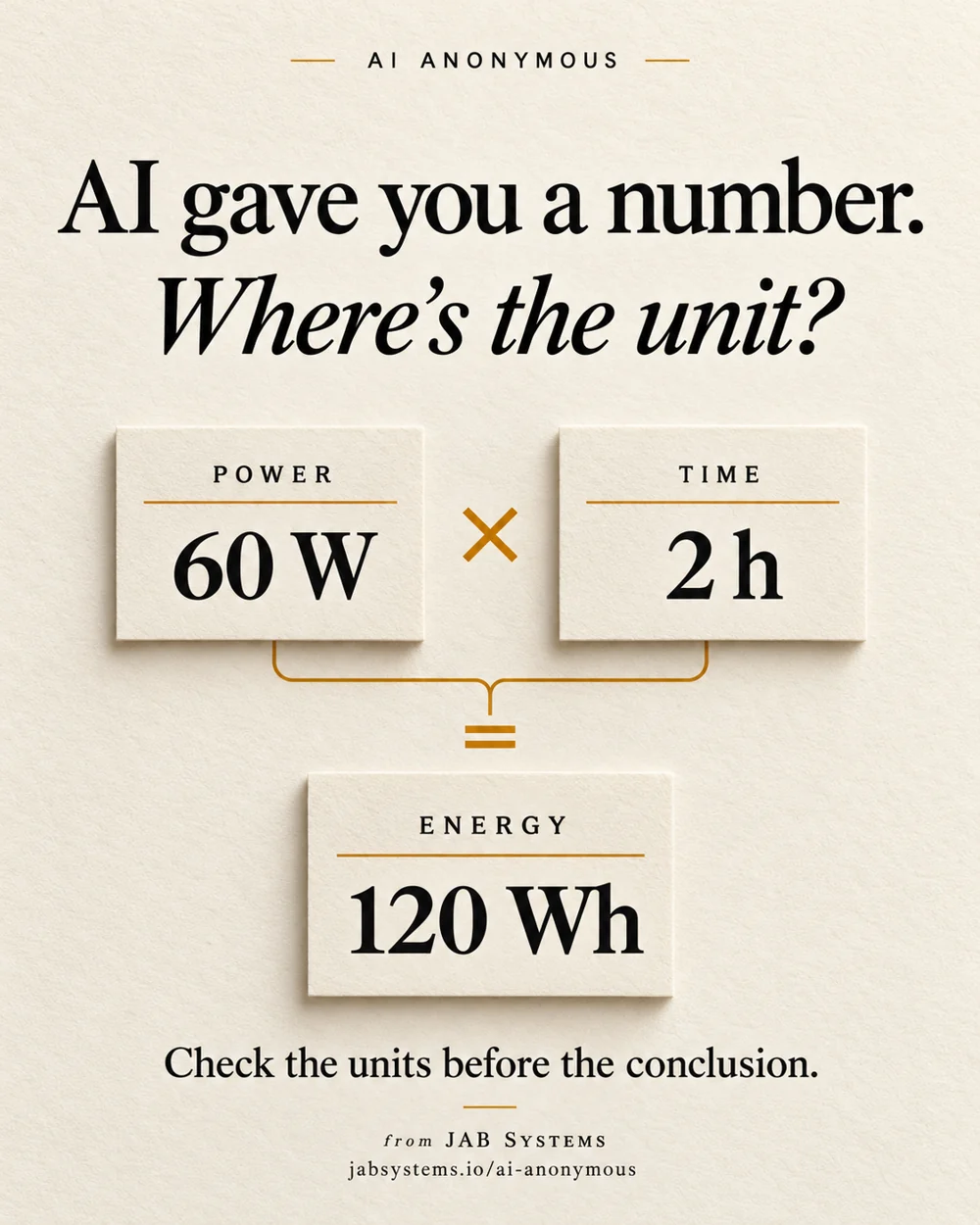
Suppose an AI-assisted note describes a fictional 60 W desk setup running for two hours. Before accepting its conclusion, ask what each number measures. Power describes a rate of energy use; energy accumulates over time. Attaching units makes the proposed arithmetic inspectable.
Pint is an open-source Python library for quantities and units. Here it provides a small, independent calculation after a proposed AI drafting step. Our inputs are authored teaching examples. They are not model outputs, measurements or a recommendation for buying equipment.
For work, preserve the original source beside the draft. For a hobby project, try the fictional kit first. Either way, a valid unit conversion does not establish that a source number is true.
Keep the value, unit and meaning together.
The quantity documentation describes magnitude and unit together. This exercise uses explicit constructor calls such as Q_(60, "watt") so the intended unit is easy to inspect. It does not parse unrestricted AI prose or automatically resolve ambiguous labels.
Record the exact source wording first. If a draft says only “60”, leave the unit unknown until someone checks the source. Our missing-unit case applies that review rule explicitly; Pint does not recover the intended physical meaning from a bare number. The optional AI review prompt requests source values and units, but we did not execute or evaluate it.
Inspect the kit, then reproduce the arithmetic.
Use an existing Python 3.12+ installation. We ran Windows Python 3.13.15 with Pint 0.26.2, checked October 29, 2026. These PowerShell commands create a new folder; choose a different name if it already exists.
New-Item -ItemType Directory -Path .\unit-practice-2026-10-29 -ErrorAction Stop
Set-Location .\unit-practice-2026-10-29
Invoke-WebRequest -Uri "https://jabsystems.io/ai-anonymous/Social/wheres-the-unit-practice.zip" -OutFile .\practice.zip
Expand-Archive -LiteralPath .\practice.zip -DestinationPath .\practice
Get-Content .\practice\check-units.py
Get-Content .\practice\unit-practice-readme.txt
Read the script and README before installing. The script contains six fixed teaching cases, assertions and a JSON report; it does not contact a model or accept your real data. Then run:
python --version
python -m venv .venv
.\.venv\Scripts\python.exe -m pip install pint==0.26.2
.\.venv\Scripts\python.exe .\practice\check-units.py | Set-Content -Encoding utf8 .\my-results.json
Get-Content .\my-results.json
The dependency install needs network access. The virtual environment isolates dependencies, not untrusted code. The direct Pint version is pinned; this is not a complete transitive dependency lock.
What the local run actually showed.
- Power × duration: 60 W × 2 h converted to 120 Wh.
- Direct power-to-energy conversion: converting 60 W straight to Wh raised
DimensionalityError. - Absolute temperature: 20 °C converted to 68 °F.
- Temperature difference: 10 delta °C converted to 18 delta °F.
- Missing source unit: the authored policy returned
human_review_required. - Unknown unit: our fictional unit name raised
UndefinedUnitError.
Download the recorded JSON report to compare with your run. These are finite fixture results, not evidence about how often AI makes unit errors. A successful run establishes only the stated examples in this environment.
Make the equation visible.
from pint import UnitRegistry
ureg = UnitRegistry()
Q_ = ureg.Quantity
energy = (Q_(60, "watt") * Q_(2, "hour")).to("watt_hour")
print(energy)  # 120 watt_hour, displayed as 120.0 in our run
The official tutorial demonstrates unit-aware arithmetic and rejection of incompatible conversions. Here multiplying power by duration produces energy; a direct conversion lacks that duration. The complete downloadable script includes both cases.
The 120 Wh result is an ideal energy calculation with constant authored inputs. It does not predict battery runtime, required capacity, conversion losses, changing loads or equipment suitability. Even a dimensionally compatible calculation can use an incorrect formula or an invented input.
A temperature reading and a temperature change differ.
The temperature guide explains offset units. Celsius and Fahrenheit have reference-point offsets; a temperature difference has different semantics from an absolute reading. The kit uses Q_(20, "degC") for the reading and Q_(10, "delta_degC") for the difference, then converts to their corresponding Fahrenheit units.
Do not silently switch a source reading into a difference. Ask what the original number represents, keep that decision visible, and use the documented constructor for offset quantities. This short exercise leaves advanced contexts and other unit systems out of scope.
Check the source before the conclusion.
Use the review checklist to keep original values, units, source locations, assumptions and independent arithmetic together. Unit compatibility is one check. Formula selection, source accuracy, uncertainty and any real-world decision still need their own review.
Tested: six authored cases, the smaller snippet and the extracted runnable kit on Windows. Not tested: AI extraction or output quality, real measurements, equipment behavior, production input validation, all possible units, performance or other operating systems. The proposed AI prompt remains unexecuted. No universal speed or accuracy claim follows from this exercise.
Take the unit-checking kit.
Complete exercise · Recorded results · Proposed AI prompt · Practice README · Review checklist · Practice ZIP
Primary sources checked October 29, 2026. Original AI-generated conceptual portrait visually reviewed.