01 / Reproduce
Refresh a fictional ticket
Download the practice ZIP and extract it to a fresh folder. Open PowerShell there. With Python 3.10 or newer and its sqlite3 module installed, check the bundled SQLite version:
python -c "import sqlite3; print(sqlite3.sqlite_version)"
python .\refresh-summary.py
The lab requires SQLite 3.24.0 or newer for UPSERT. It needs no package installation, account, or API key. It creates fresh in-memory databases and closes them afterward; it never opens your existing database files. These were the observed results:
Python 3.13.15 / SQLite 3.50.4
REPLACE ["T-201", "Updated summary", ""]
UPSERT  ["T-201", "Updated summary", "Ask before closing"]
PASS: 6 cases (replace, update, repeat, insert, quotes, second revision)
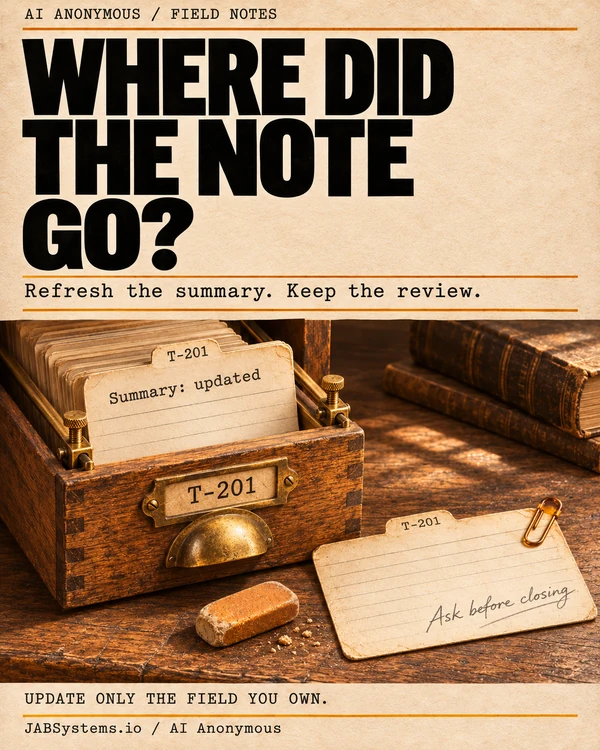
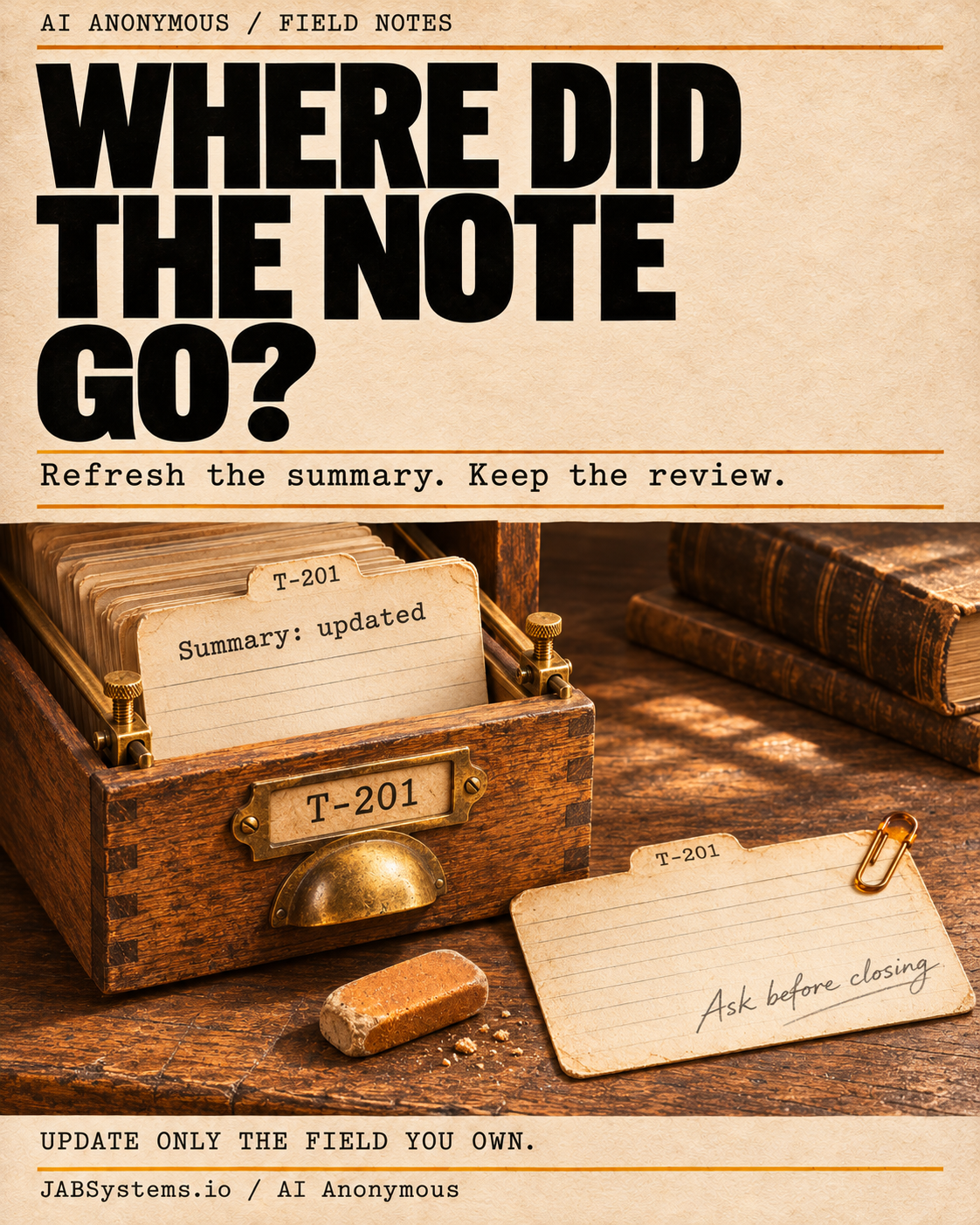
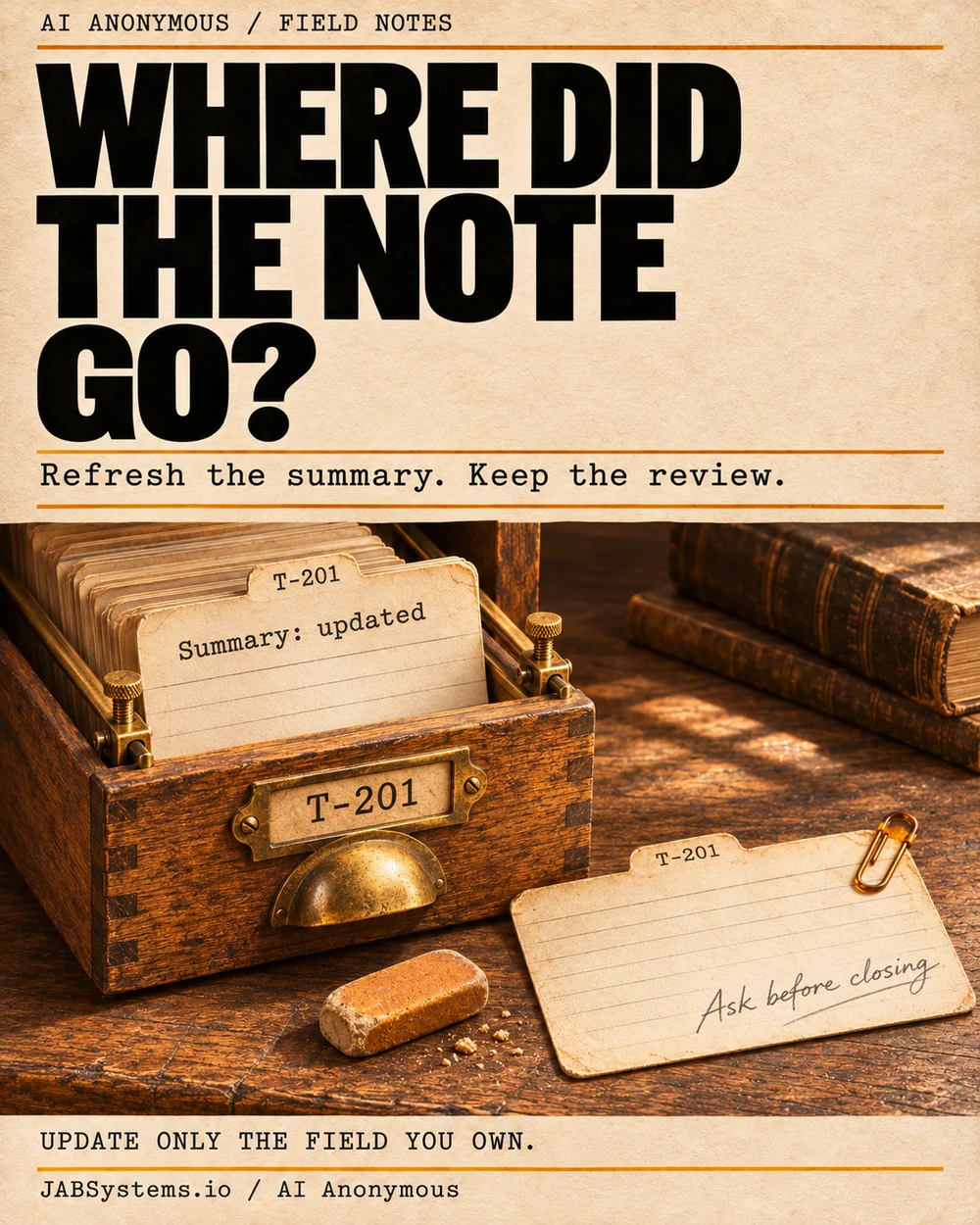
Your version line may differ. Both examples start with an identical original row. In one, the summary changes and the note becomes empty. In the other, the summary changes and the note survives.
02 / Inspect
Inspect the two writes
The included script creates this deliberately small table:
CREATE TABLE tickets (
    ticket_id TEXT PRIMARY KEY NOT NULL,
    summary TEXT NOT NULL,
    review_note TEXT NOT NULL DEFAULT ''
)
It seeds T-201 with Original summary and Ask before closing. The first write is:
INSERT OR REPLACE INTO tickets(ticket_id, summary)
VALUES (?, ?)
For a primary-key or uniqueness conflict, SQLite's REPLACE algorithm deletes the conflicting row before inserting the new row. The omitted review_note gets the declared empty-string default. The same ticket ID appearing afterward does not mean every old field was retained. This is documented SQLite behavior, reproduced by this fixture.
The second write names the field that the summary job may change:
INSERT INTO tickets(ticket_id, summary) VALUES (?, ?)
ON CONFLICT(ticket_id) DO UPDATE SET summary = excluded.summary
Here excluded.summary refers to the incoming summary. On the matching ID, the update assignment touches only summary. On a new ID, it inserts a row with the default blank note. If your job must only refresh existing tickets, use an UPDATE and handle a missing ID explicitly.
The Python handoff binds data separately from SQL:
with closing(seeded("Ask before closing")) as db:
    db.execute(UPSERT, ("T-201", "Updated summary"))
    print(read(db))
This excerpt runs after importing closing and the helpers from the downloaded script; it prints ('T-201', 'Updated summary', 'Ask before closing'). Placeholder binding keeps apostrophes in the supplied values as data. It does not decide which fields your application should own.
03 / Make it your own
Change the human note
Give the same fixture a different note and incoming draft:
python .\refresh-summary.py --note "Waiting for owner" --summary "Revised draft"In our run, the REPLACE row was ["T-201", "Revised draft", ""]; the UPSERT row kept "Waiting for owner". All six cases passed again. Then inspect the two SQL constants at the top of the script and find exactly where review_note is absent from the update assignment.
For your own project, list the generated fields and the fields a person owns. In a disposable copy with fictional data, write a check for each human field after a refresh. Add an explicit policy for a new ID and for stale incoming summaries. This lab supplies neither authorization nor a version-order check.
04 / Boundaries
Decide who owns each field
The six cases check REPLACE clearing the note, UPSERT preserving it, a repeated refresh, insertion of a new ticket, bound text containing apostrophes, and two successive revisions. The script raises an error if an expected row differs.
This verifies the authored in-memory exercise on the stated versions. We did not test AI-generated SQL, model summaries, production migration, concurrent writers, triggers, related tables, foreign keys, durable transactions, or performance. UPSERT is not a general approval system. Test those application-specific behaviors before changing a live database write.
Optional AI-assisted review prompt, not run: “Given this fictional schema and write statement, list every field that can change on an existing ID and a new ID. Propose assertions that preserve human-owned fields. Separate summary refresh from review approval.” Run the resulting checks yourself before relying on the answer.
05 / Primary sources
Read the SQLite references
- SQLite conflict resolution — the REPLACE algorithm and its constraint-specific behavior.
- SQLite INSERT — omitted columns, defaults, and the REPLACE alias.
- SQLite UPSERT — conflict targets, the incoming
excludedvalues, and version history. - Python sqlite3 placeholder binding — pass values as parameters.
Sources checked November 20, 2026. Library behavior described here is SQLite-specific. Check your database's own replacement and conflict rules.
06 / Keep it handy
Get the practice and posting files
The practice kit contains the script and README. The posting ZIP contains the original portrait, teaser caption, alt text, and full article URL. Social content is prepared for manual posting; it has not been scheduled or published.
Browse more AI Anonymous field notes or talk with JABSystems about your workflow.